


HD Video Converter
Use our free HD video converter to convert video to HD, make video HD, and upscale to 2K or 4K in one tap. High-quality AI video converter with no sign-up required.
Use our free HD video converter to convert video to HD, make video HD, and upscale to 2K or 4K in one tap. High-quality AI video converter with no sign-up required.
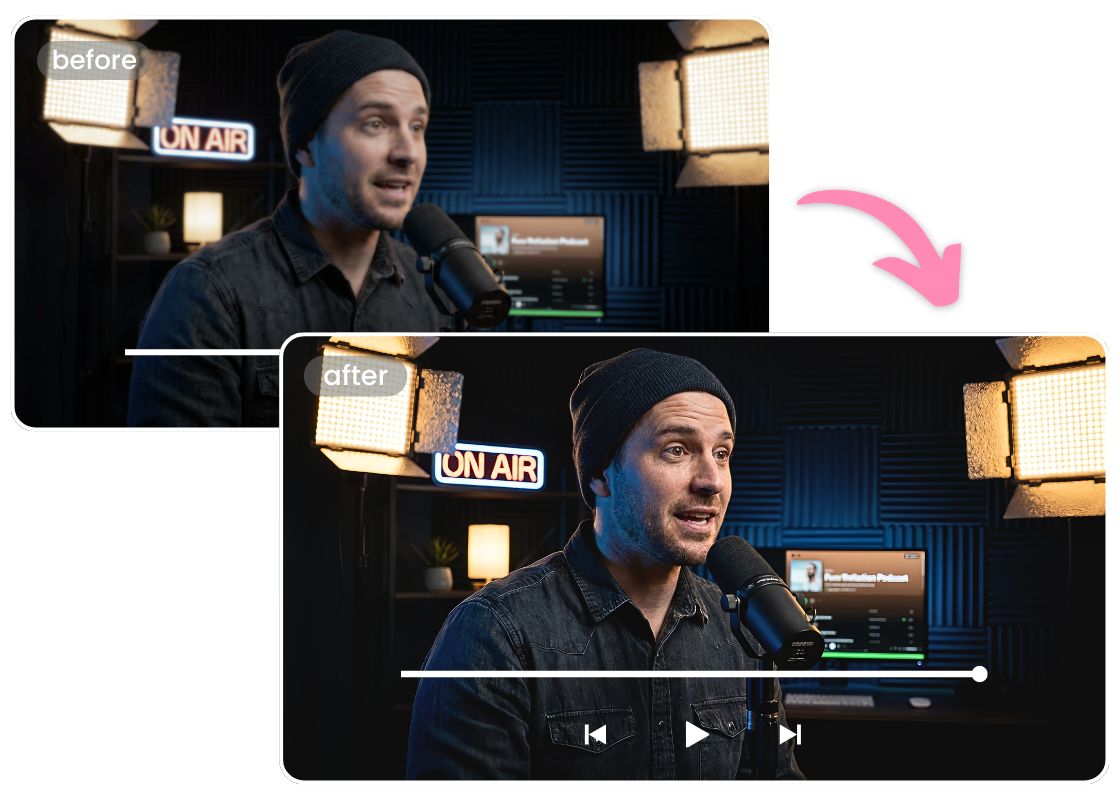
Convert Any Video to 2K or 4K Without Quality Loss
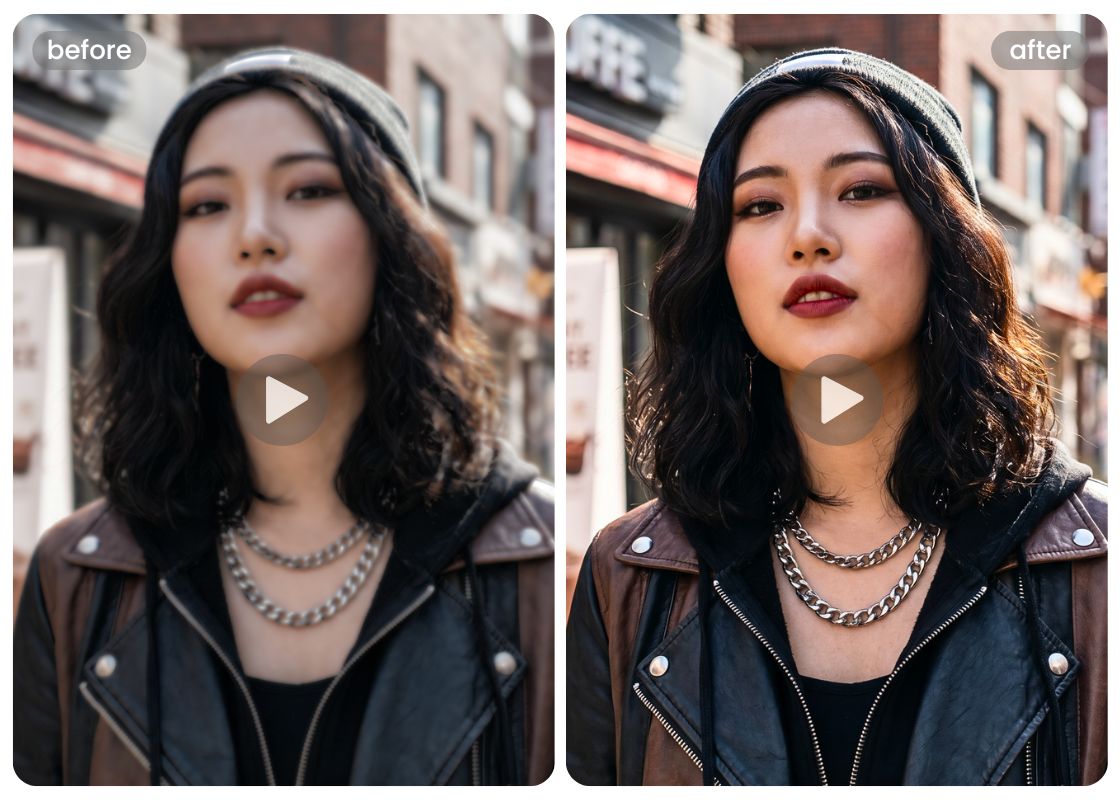
Sharpen Portrait Videos and Enhance Facial Details
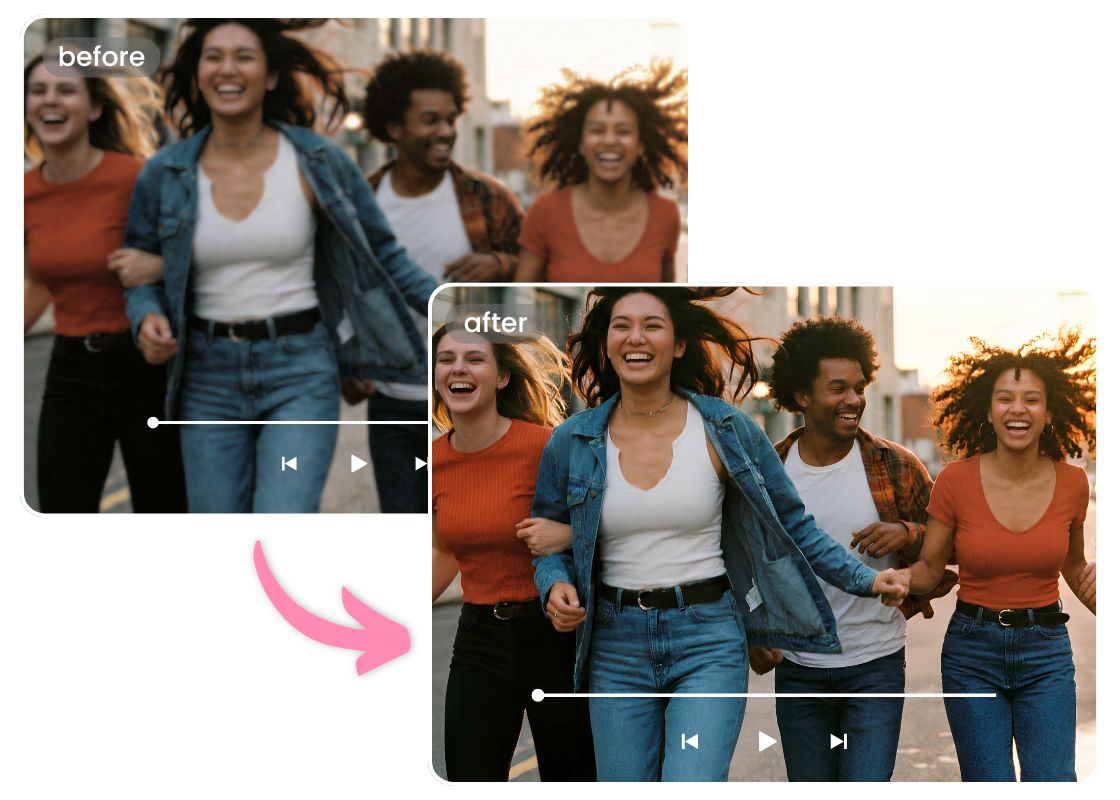
Improve Video Quality by Removing Noise and Grain
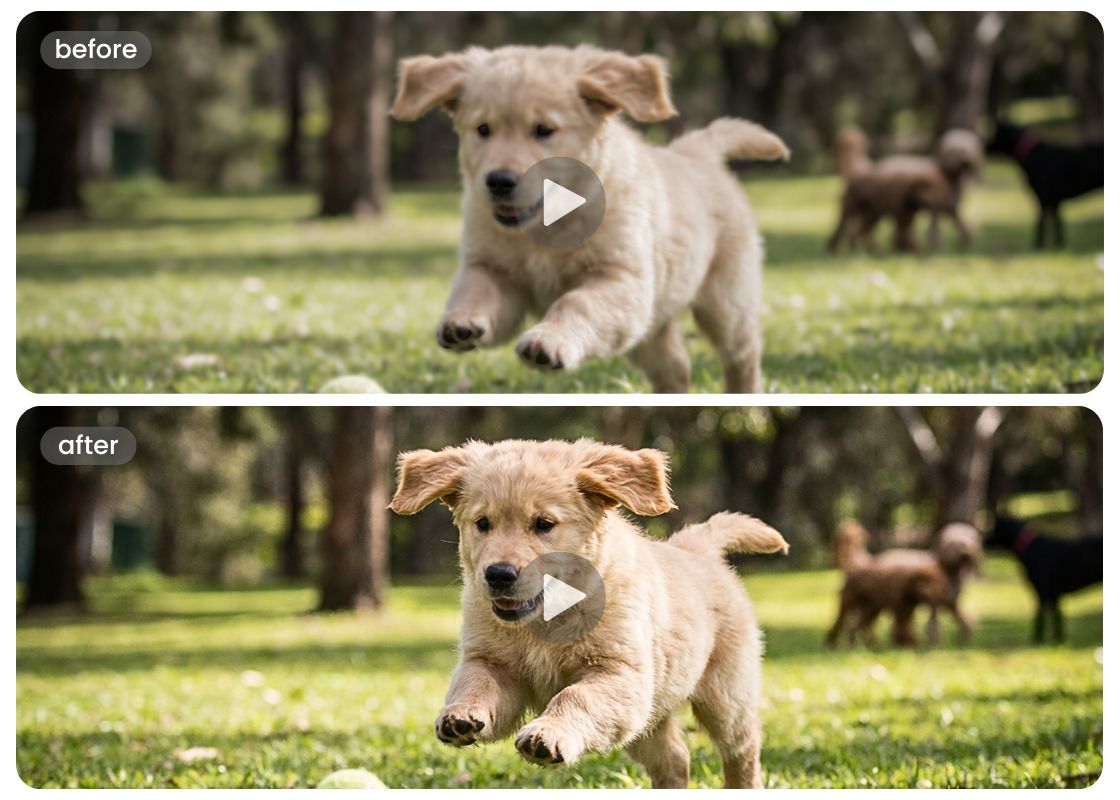
Fix Colors and Brightness When You Convert Video to HD
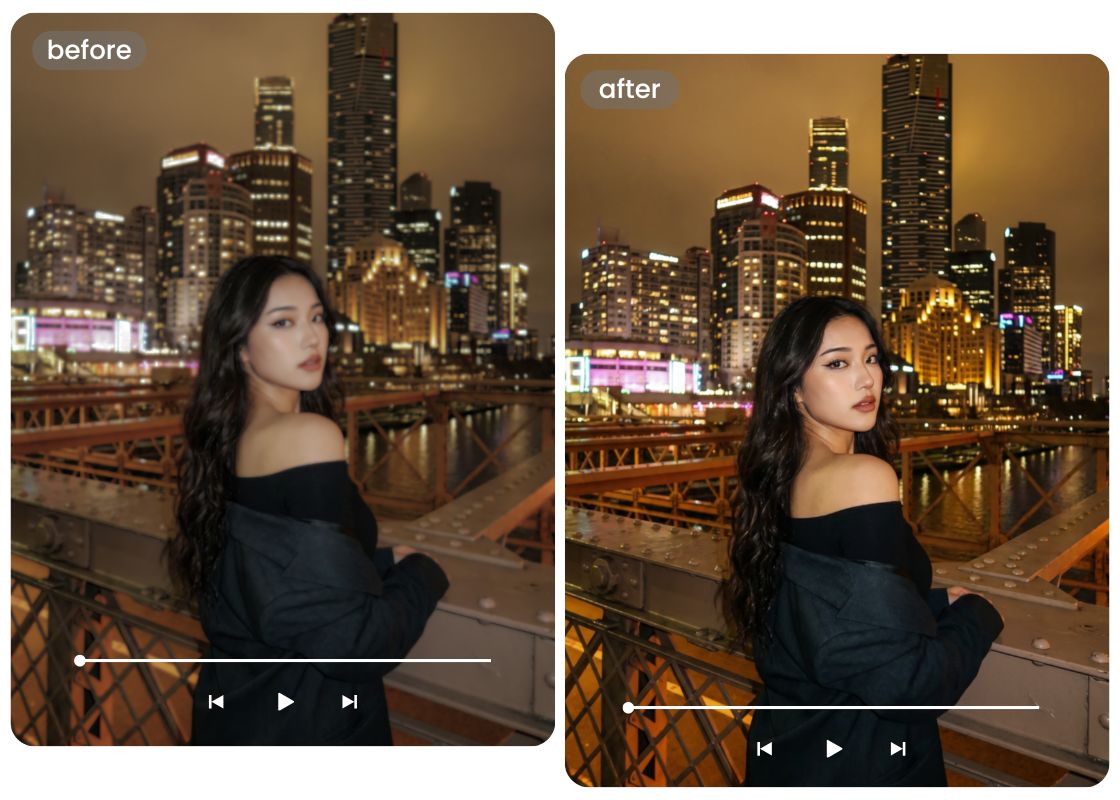
AI Enhancement Modes for Different Video Needs
How to Make Video HD?
Upload Your Video
Select your video to upload from your device. Supports MP4, MOV, and M4V.
Choose Enhancement Mode
Select from Portrait HD, HD, or Ultra HD mode and click to process full video.
Download Your HD Video
Download and save your converted HD video to your device.
FAQ
How to make video HD?
Upload your low resolution video to our HD video converter. The AI will analyze your footage, remove noise, and upscale it while preserving original details. Download your sharp, high definition video in minutes.
Can I convert a video to HD using my phone browser?
Yes. Our HD video converter works on any device with a modern browser. Upload your video directly from your camera roll or gallery.
What video formats does this HD video converter support?
What is the maximum file size I can upload to convert to HD?
Does this tool add a watermark to my converted video?
All Online Photo & Video Editing Tools
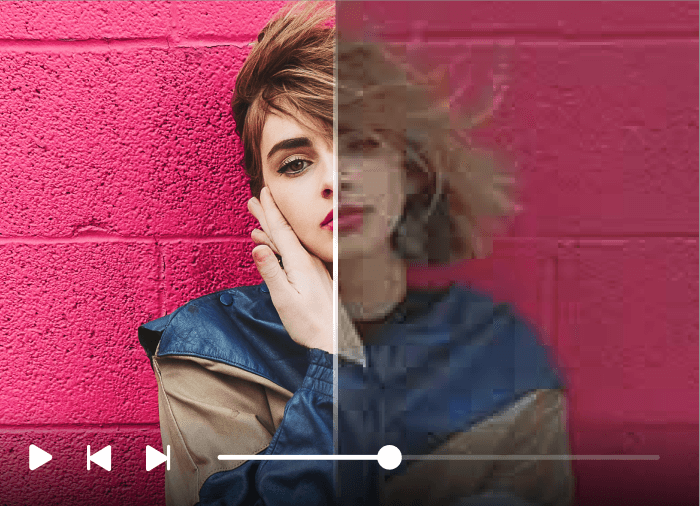
AI Video Enhancer
Upscale your videos to 4K and improve their clarity, colors and more.
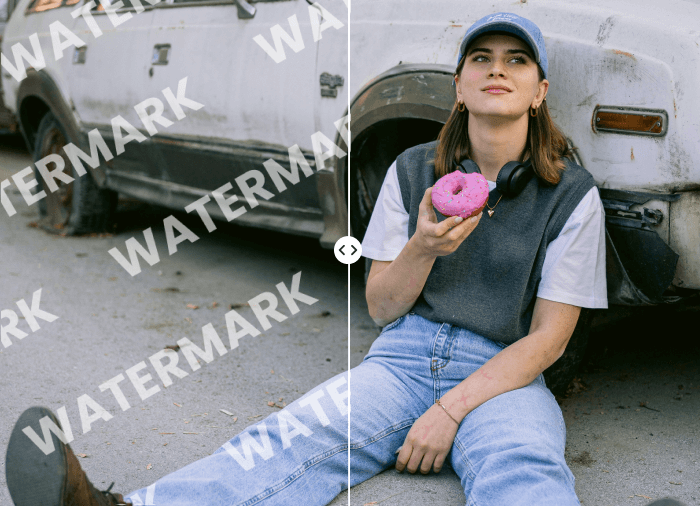
AI Video Watermark Remover
Remove unwanted watermark from video with powerful AI

Video Background Remover
Effortlessly refine your videos by removing backgrounds, allowing your subject to stand out. Ensuring your visuals remain clean and focused.

Image Watermark Remover
Remove watermarks, logos, text, stickers, and timestamps from photos online.
Related Posts
Make Video HD Now
Ready to make video HD? Upload your footage now and let AI upscale it to 2K or 4K in seconds. No watermark, no sign-up.