app download btn
beautyplus logo

Glow Cam: Free Online Camera with Selfie Light

Get the app for endless frames, stickers, filters, and retouching tools!

Scan to Download

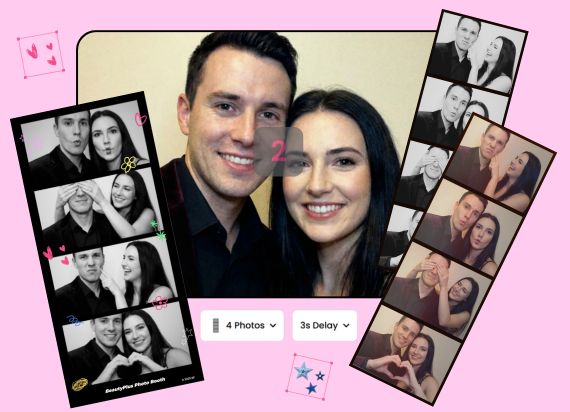
Your online camera for selfie lighting and creative filters. Try Glow Cam to snap high-definition, watermark-free photos with no ads or post-processing.
BeautyPlus Glow Cam

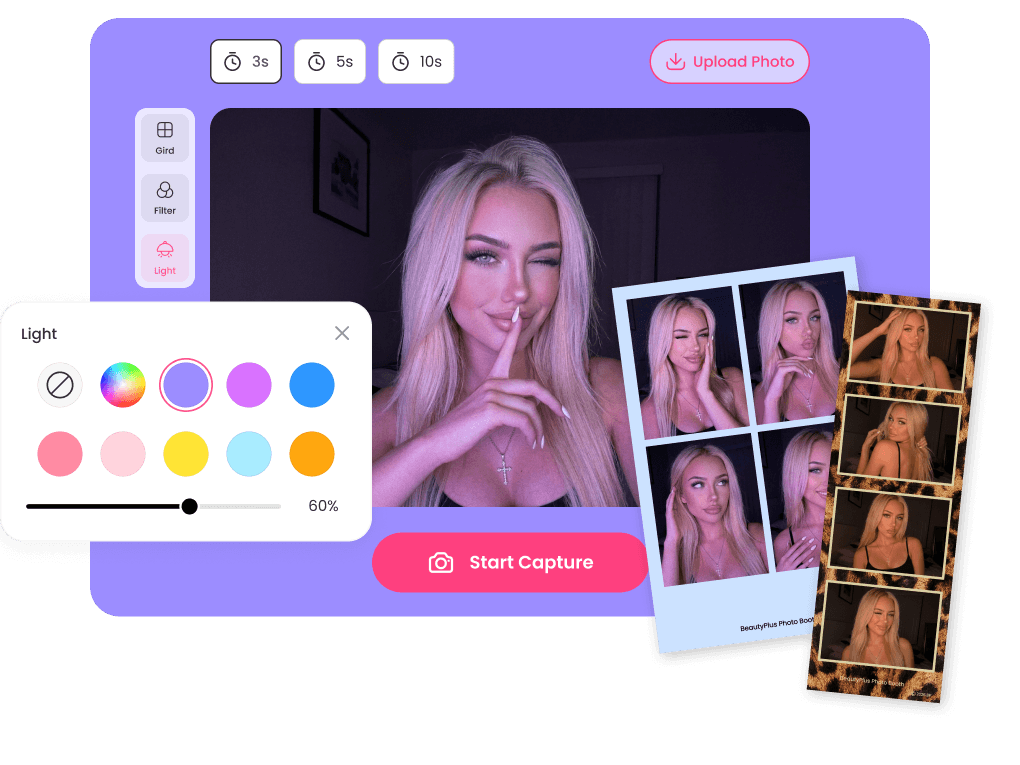
Take Photo Booth Photos with Smart Selfie Light
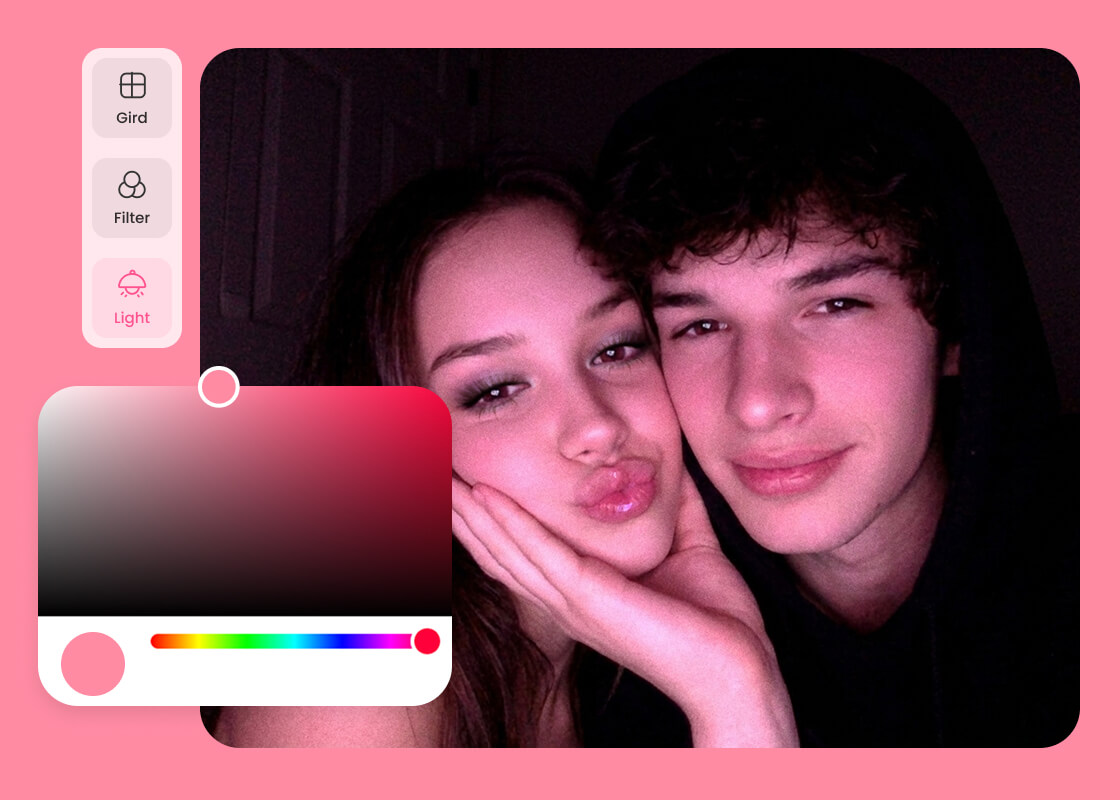
BeautyPlus Glow Cam transforms your device screen into a professional selfie light with no extra hardware or selfie ring light gear required. Instantly adjust the brightness up or down, or switch between warm or cool tones to find the best look to capture any moment.
BeautyPlus Glow Cam

Elevate Your Look with Real-Time Glow Cam Filters
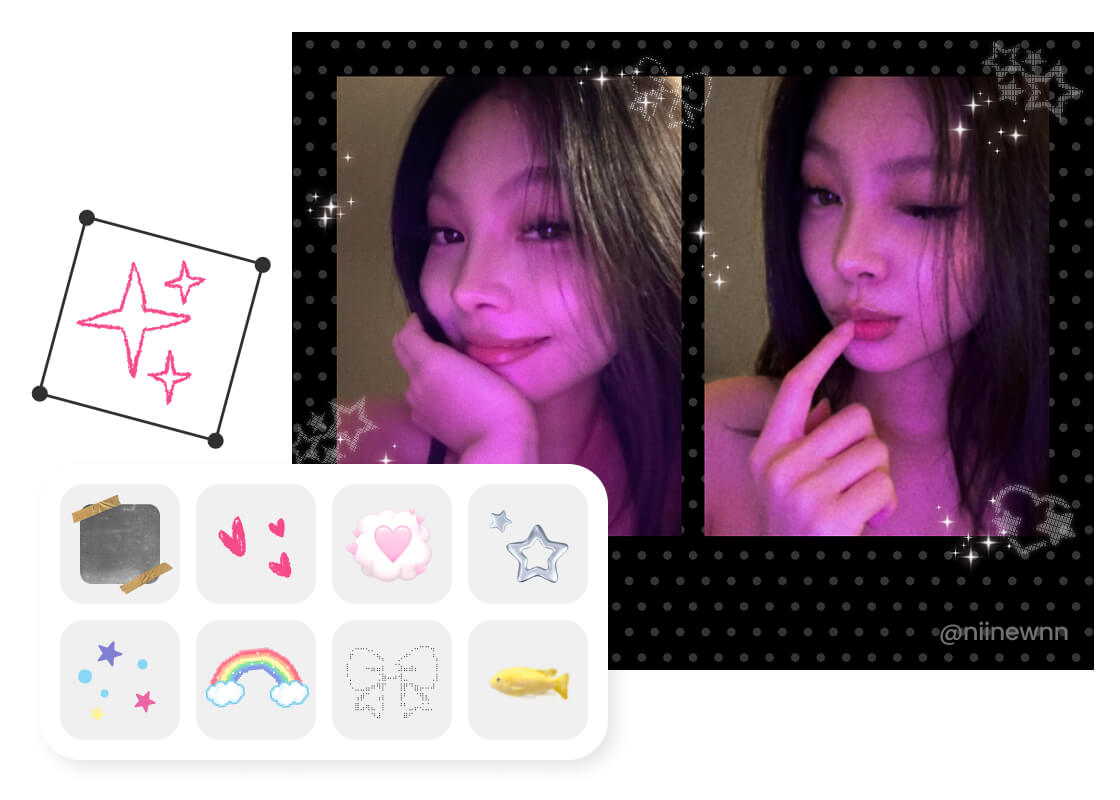
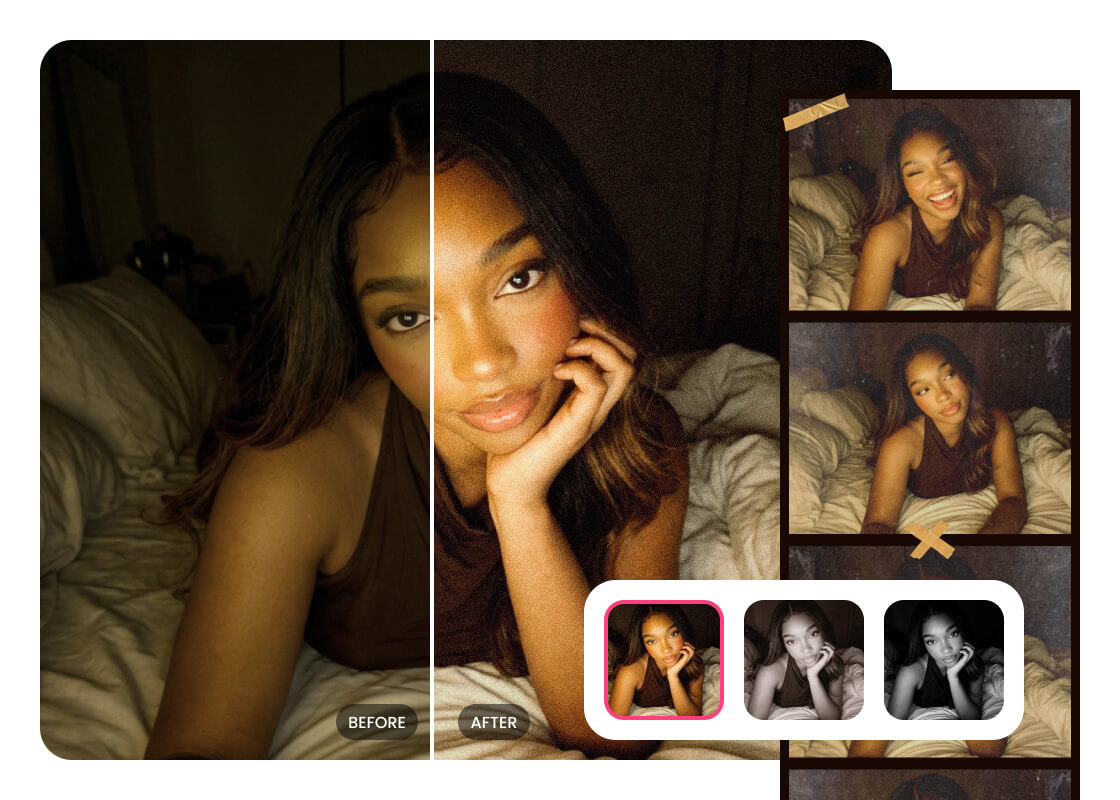
Glow Cam is more than just a camera with light. It’s a whole creative studio. Apply filters like black & white, retro, beauty, or cinematic to give your photos a whole new look and feel. A single tap or click gives you the perfect aesthetic instantly so that you never have to worry about editing in post with Glow Cam.
BeautyPlus Glow Cam

Style Your Photo Strips with Cute Frames & Stickers
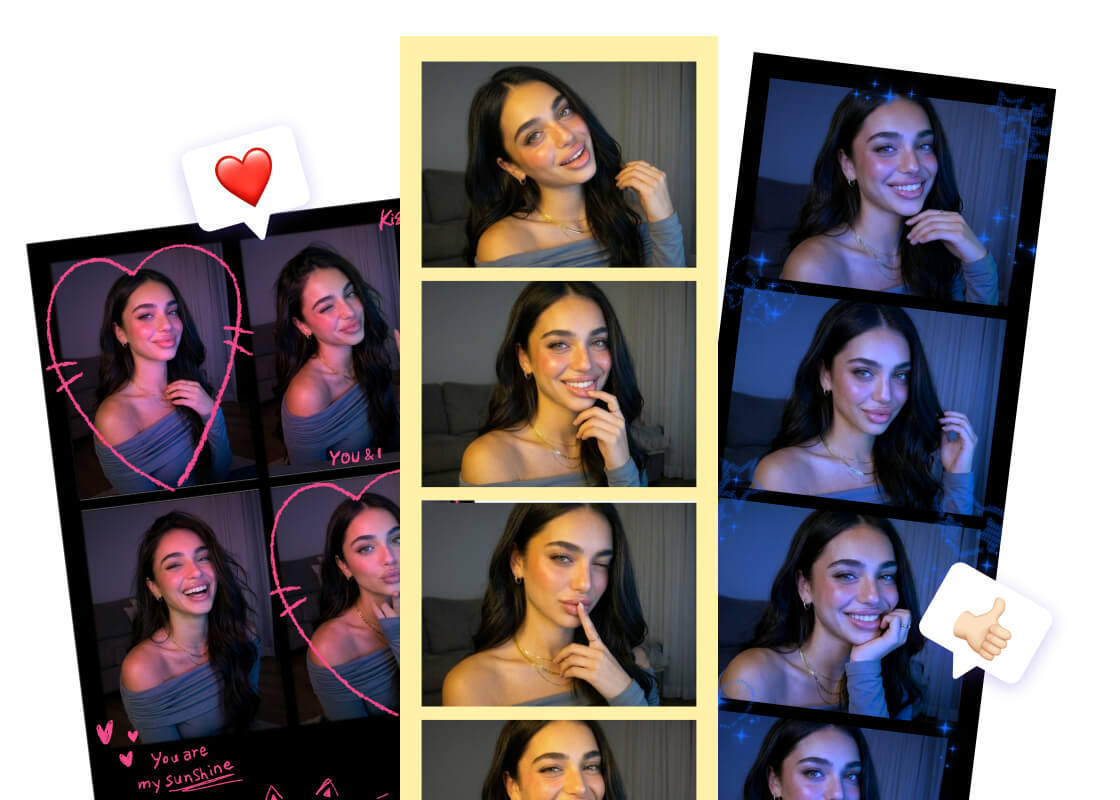
Add stickers and borders to your photos to express your mood and personality and give photo strips a personal touch. They’ll be share-worthy and social media-ready without any outside editing. Just download them, save, and post them to your accounts when you are ready to share them with the world.
BeautyPlus Glow Cam

Enjoy 100% Pure Exports with No Watermarks

You can take photos and export high-definition photo strips for free, without watermarks or intrusive ads. BeautyPlus Glow Cam ensures your images remain clean and professional for any use. Save your crystal-clear photos with just one click and enjoy the pure online camera experience.

Shine Every Shot with Glow Cam Selfie Light

Nighttime Selfies
Cloudy & Backlit Days
Creative Shoots
Video Call Prep

Capture Grain-Free Selfies Anytime After Dark
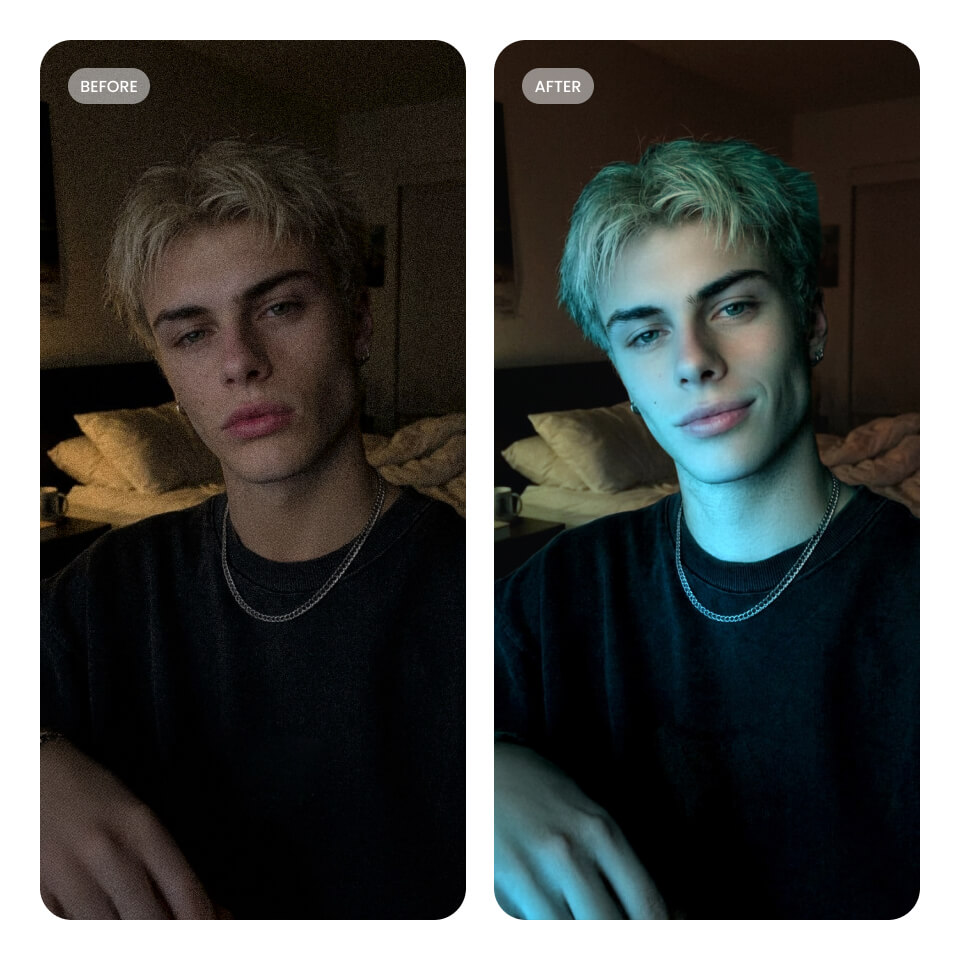
Use Glow Cam to take clear, clean photos of your face without any grain. It’s like having your own light box you can take with you anywhere you have your laptop. Snap professional-quality photos of your face in a dark room or outdoors under the stars.
Glow Cam

Eliminate Shadows and Soften Skin Tones Instantly
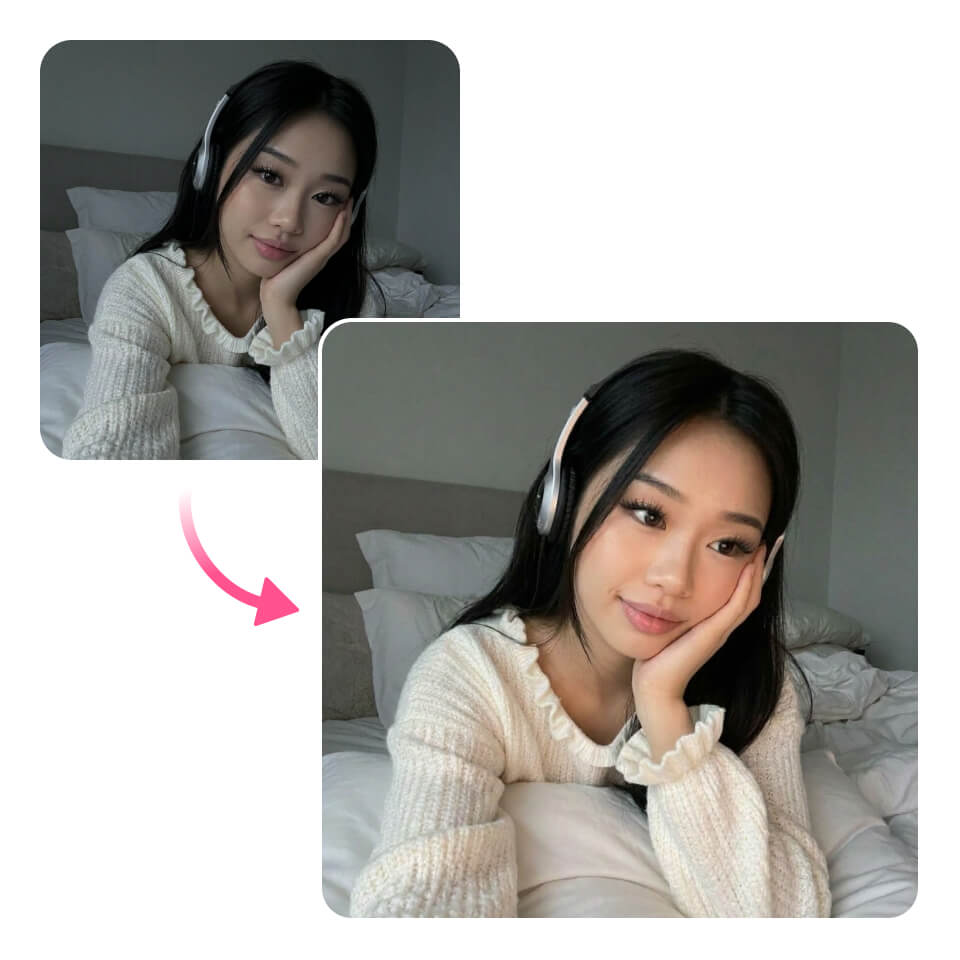
The soft light of Glow Cam acts like a selfie light ring and beautician all in one. It can prevent dark faces in conditions like harsh backlighting or bad weather while brightening your skin tone and softening rough textures.
Glow Cam

Style Unique Visual Effects with Glow Cam Light Layers
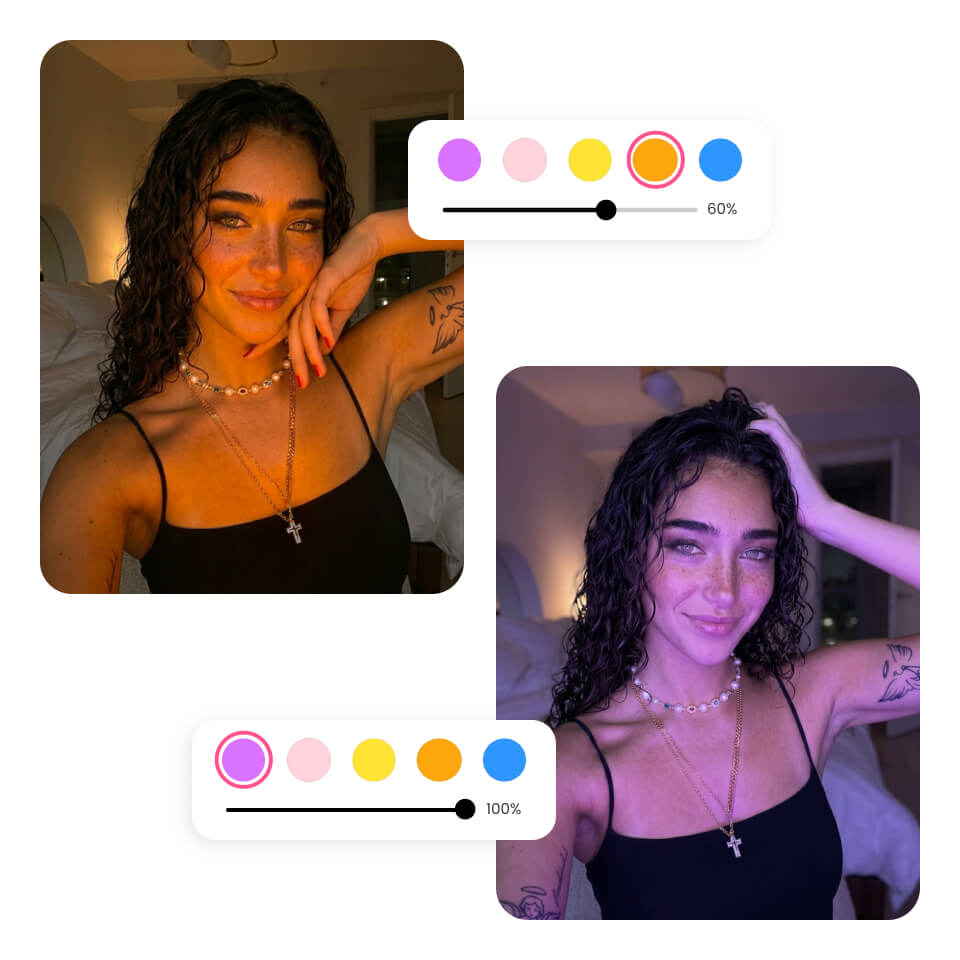
Choose orange to capture a sunset glow or purple for a sleek, moody atmosphere. By layering these lights with creative filters, you can easily produce professional aesthetic shots at home with the Glow Cam online camera.
Glow Cam

Ensure a Flawless Appearance for Every Digital Meeting
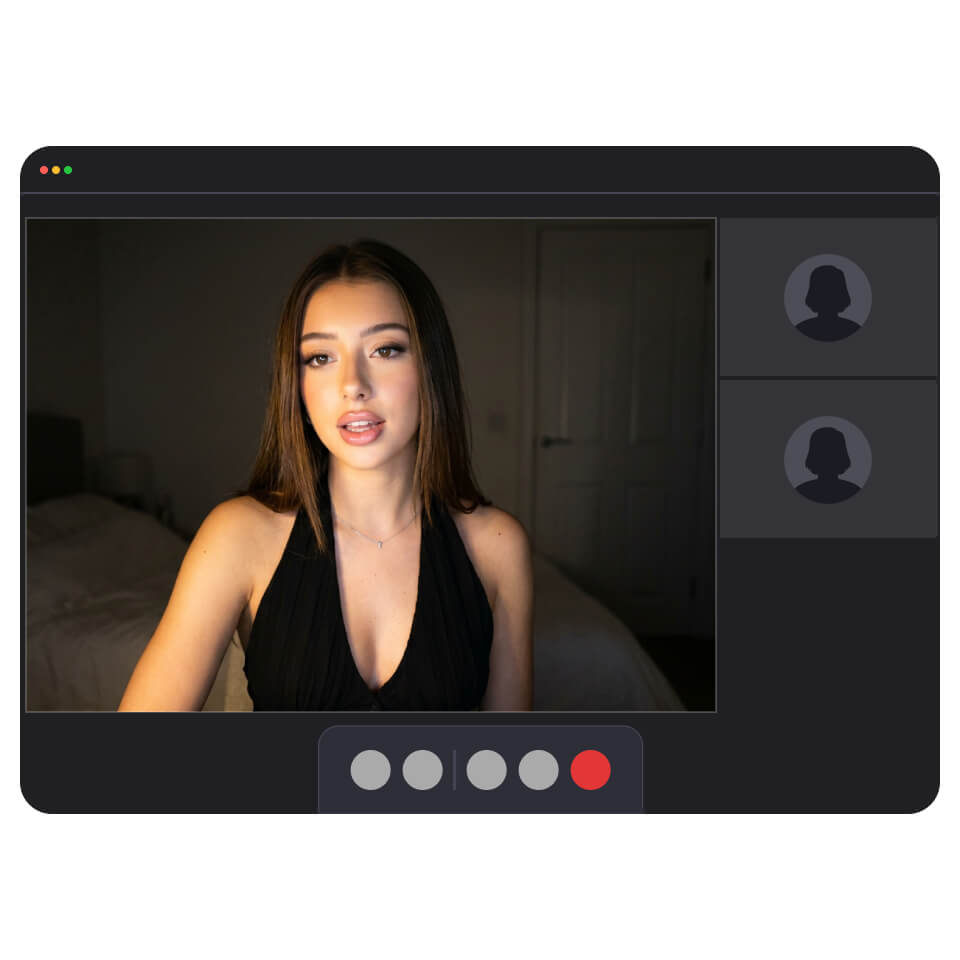
Make sure you are looking your professional best for your next Zoom or Google Meet video call. Glow Cam acts like a digital selfie ring light, lighting your face so you can refresh your appearance.
Glow Cam

Why Take Photos with Glow Cam?

what
No More Bulky Gear
You don’t have to invest in a selfie ring light or carry bulky stands around with you. The glow camera tool turns your laptop screen into a selfie light.
what
Instant Web Access
Use Glow Cam directly in your web browser with no download or installation. Save space on your device and start shooting in seconds.
what
Adjust with Live Preview
The live preview shows you exactly what to expect as you adjust the brightness and color tone, making it easy to choose the best settings.
what
Quick and Easy Workflow
Glow Cam is a selfie light, online camera, and filter and sticker studio all in one. Streamline your workflow and avoid unnecessary apps.

How to Take a Photo with Glow Cam?

Tap to Shoot

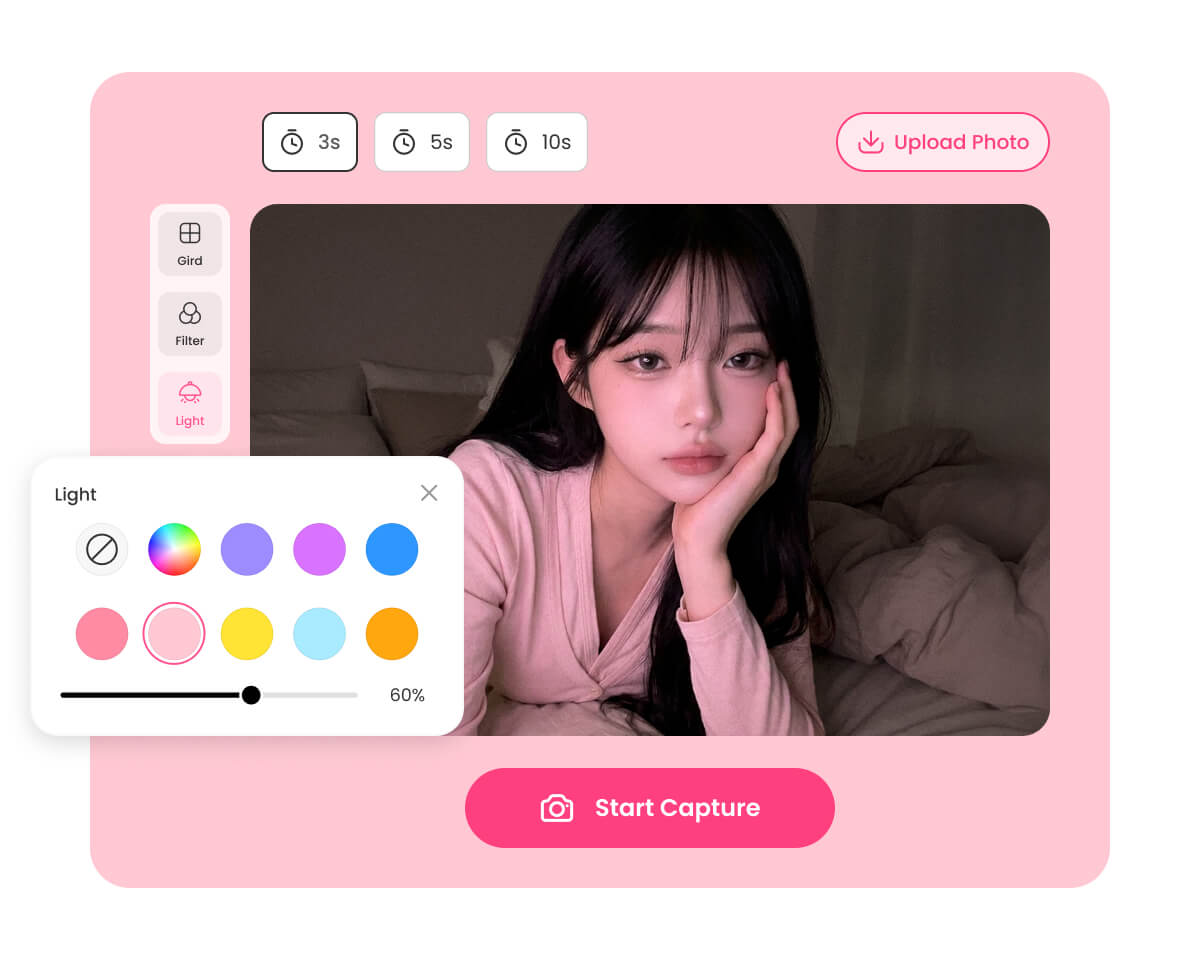
Open Glow Cam on your device. Use the controls to adjust the brightness and color temperature to your liking. Pick a filter and hit “Start.”

Add Stickers and Frames

Choose a border to frame your photo or add stickers for a playful touch.

Download and Save

Tap “Download” to save the finished photos to your device.
how to

User Reviews

Lexi B.
“My besties and I literally used to obsess over going to photo booths every time we went out, but now we just stay in and use this! It's got the perfect selfie light and so many filters, plus we don't have to stand in those annoying lines anymore. It’s a total vibe!!”
Ava R.
“The Glow Cam selfie mirror light is perfect for Insta. I’m growing a small business as a niche influencer, and I have to take many selfies a week. I save a lot of time with Glow Cam since there’s no setup or editing needed to make cute pics.”
Ken L.
“I use the Glow Cam to snap photos for my travel blog. I like to do most of my travel at night since everything is less crowded. It’s great being able to take awesome photos without lugging around a selfie light and stand.”

FAQs

How do I take a selfie in the dark?

Glow Cam lets you take a selfie with light from your screen. Just open the app, and adjust the brightness and color balance to your liking. The preview window will show you how your face will appear in your photos. Then click “Start” to begin shooting photos.

How does the Glow Cam work?

Glow Cam lets you adjust the light of your laptop screen to produce a soft glow similar to the light from a light box.

Do I need to buy any extra hardware to use the Glow Cam?

Does Glow Cam save my photos? Is my data private and safe?

Will the photos I snap with Glow Cam have a watermark?

More

Related Posts

Get Your Glow Now

Works with your webcam in any browser. No account or setup needed.