


Grinch Filter: Join Christmas Fun in Seconds
Turn your photo into a playful holiday scene with the Grinch in it with the BeautyPlus Grinch filter. One tap to join the holiday fun without prompts.

Create a Grinchmas Photo in One-Tap

Multiple Grinch Filters for Every Holiday Mood

Realistic Grinch Filter with Light & Style Matching

Export HD Quality Grinch Photo & Share
How to Use the Grinch Filter?
Upload Your Photo
Choose a selfie from your gallery.
Pick a Grinch Filter
Select your favorite Grinch filter and AI will automatically adjust lighting, color, and positioning to match your photo.
Save & Share
Download your HD-quality Grinch photo to share on social media, send as holiday cards, or print as a keepsake.

FAQs
How can I turn my photo into a Grinch?
Simply upload your photo to the BeautyPlus grinch filter and watch it transform in one tap. Instantly grinch yourself into a fun, festive scene, no editing skills needed.
Which apps have the Grinch filter?
You can try the Grinch filter both online and in the BeautyPlus app. Just download the app to explore all the festive Grinch scenes and start creating your Grinch me moments.
Can I customize the Grinch filter?
Is my photo safe and private?
Can I use my Grinch photos for commercial purposes?
All Online Photo & Video Editing Tools

AI Filters
A wide range of filters to transform your image into anime, cartoon, pixel art, painting, and more.

Photo to Cartoon Converter
Turn human photo, landscape images to cartoon by AI instantly.
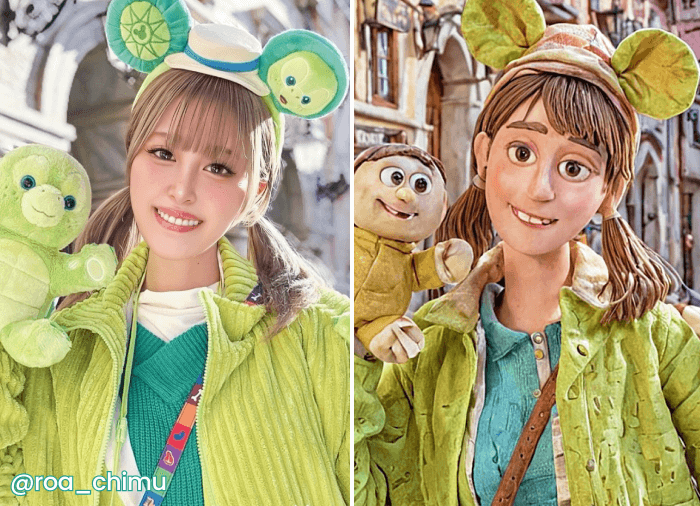
Photo to Anime Converter
Turn photo into anime avatar with AI filters.

Photo to Sketch
Convert Image to sketch with 8 different art styles.