


Remove Shadow from Photo Online Free with AI
Use our AI shadow remover to instantly clear unwanted shadows from faces or backgrounds. Make your photos bright, professional, and clear with one tap.
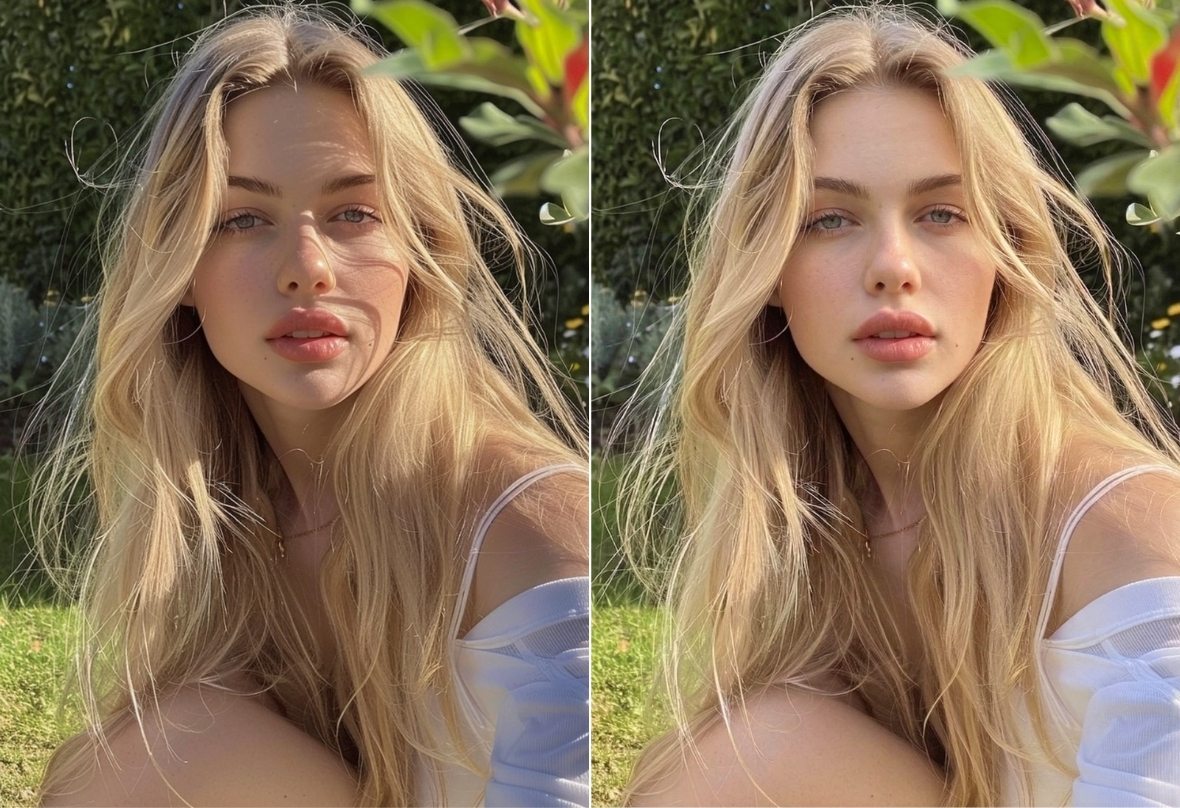
Instant AI Shadow Remover for Faces
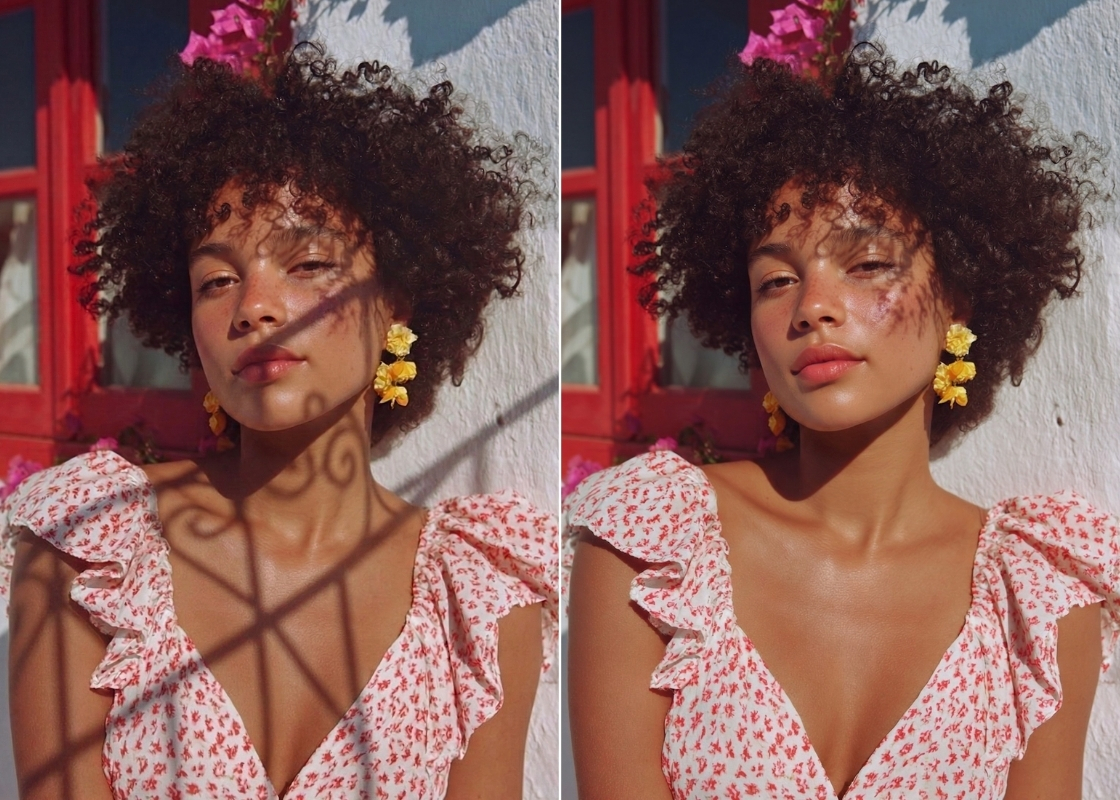
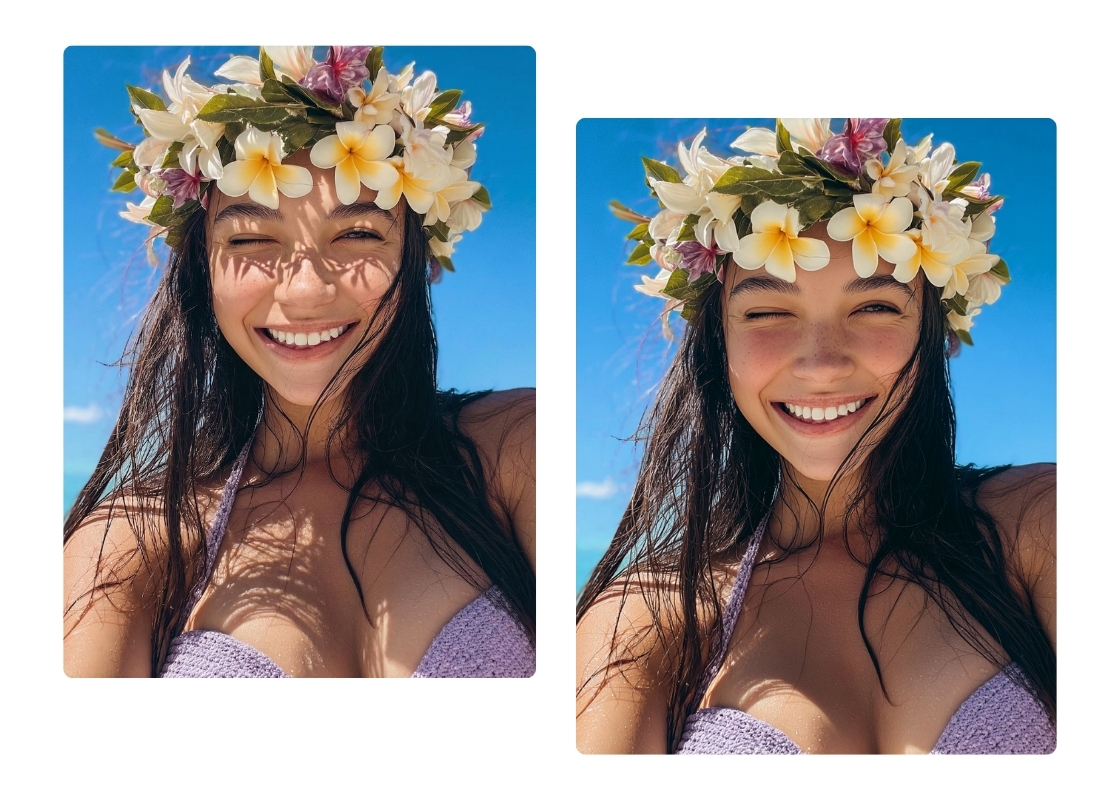
Remove Shadows from Photos in One Click
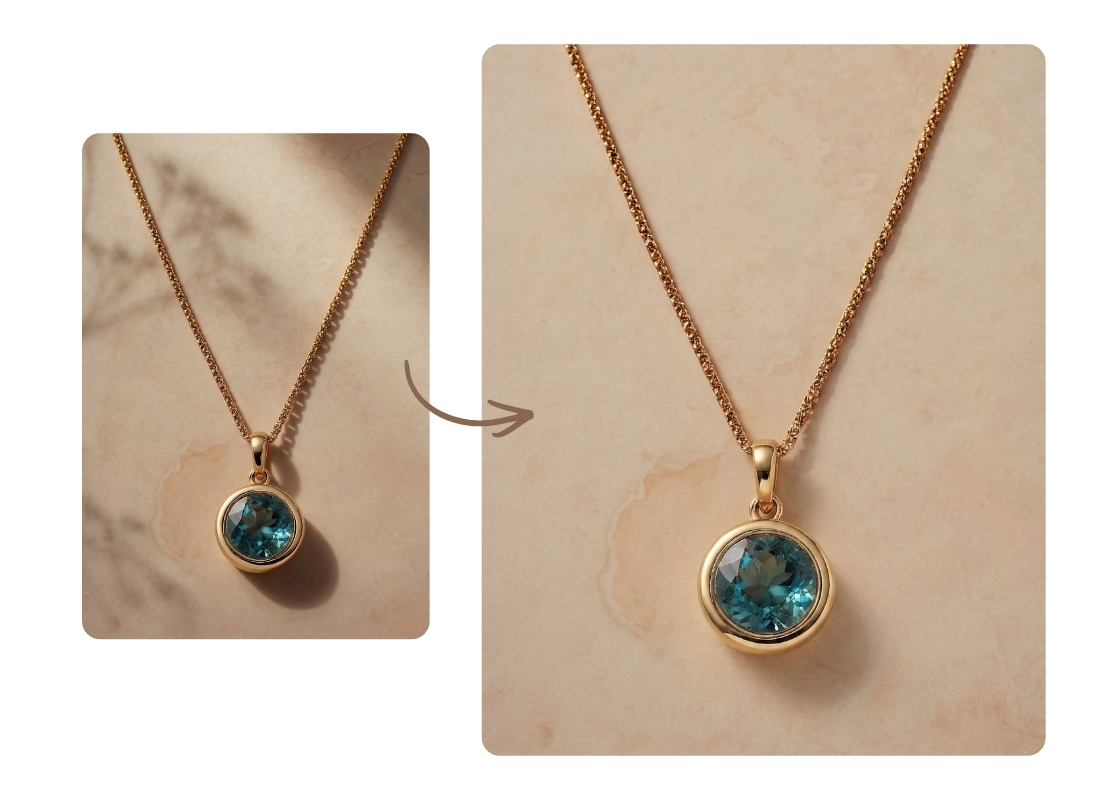
Professional Shadow Remover for Product Shots
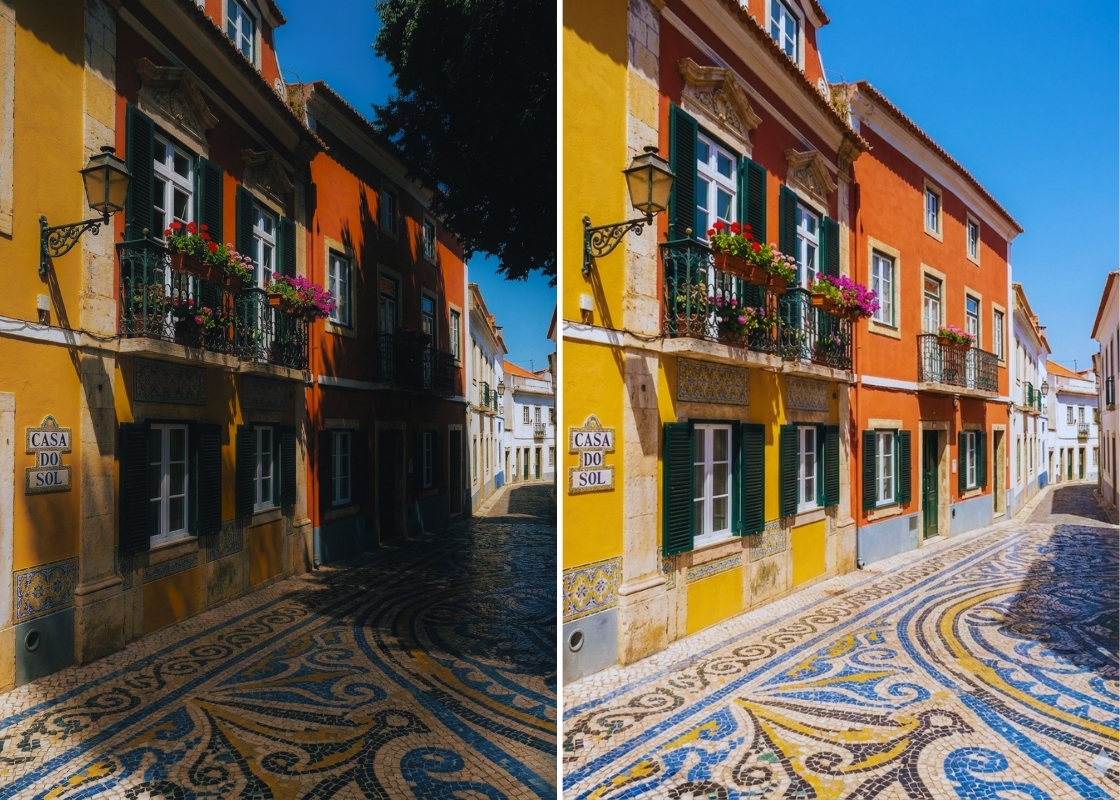
Precision Photo Shadow Remover for Scenery
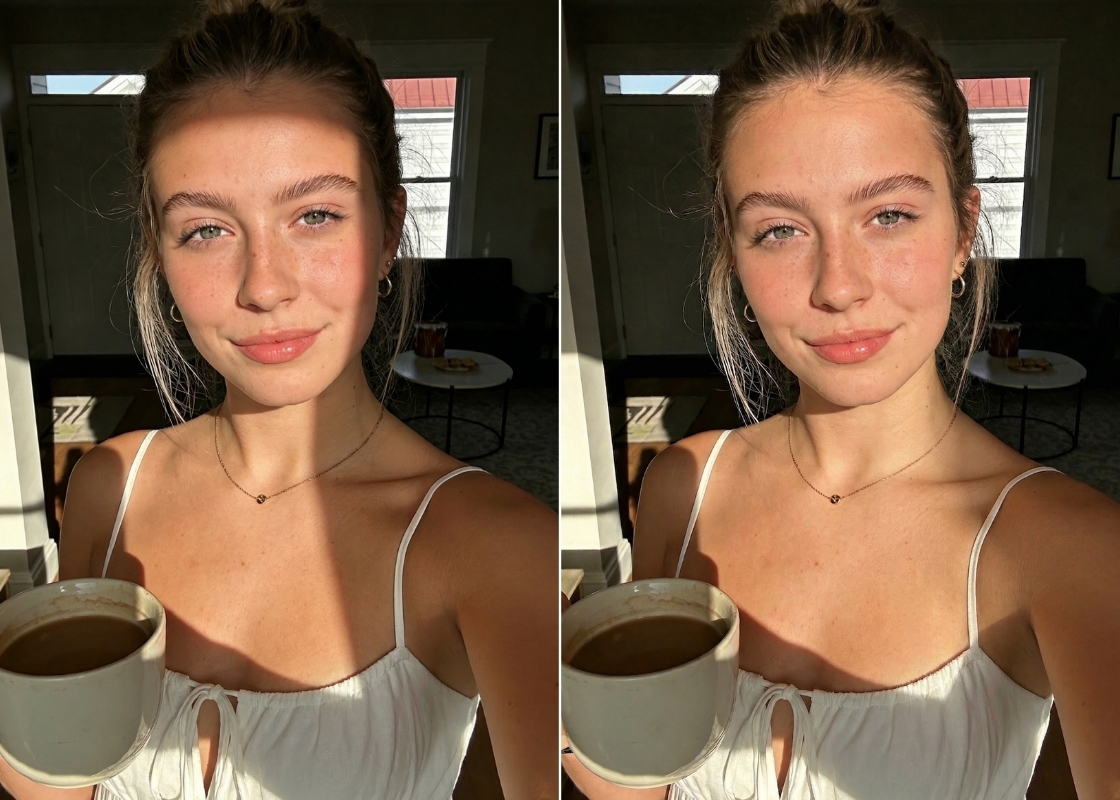
Remove Shadows with Smart Lighting Restoration
How to Remove Shadow from Picture?
Upload your photo
Drag and drop your image or select it from your library to start the shadow remover process.
Brush to remove shadow
Simply use your finger or mouse to brush over the dark areas you want to disappear. The AI will automatically analyze the lighting and blend the section with the rest of the image.
Save & Share
Preview your bright, shadow-free image and download it to your device in high resolution.
FAQ
How to remove shadow from photo on an iPhone?
You can easily remove shadow from photo iphone by opening your browser and visiting the BeautyPlus website. Simply upload your photo from your camera roll, brush over the shadow, and save the edited version directly back to your phone.
Can I remove shadows from photos for free without watermarks?
Yes, BeautyPlus offers a way to remove shadows from photo online free without adding any branding or logos to your final image. You get a clean, professional quality export every time.
Will the AI shadow remover make my face look blurry?
How to get rid of a shadow in a photo that is very dark?
Is it possible to remove shadows from pictures of documents?
All Online Photo & Video Editing Tools

AI Object Remover
Select the area with the object you want to erase using the AI Object Remover. With a quick swipe, clean up your image and remove distractions for a clear, refined result

Image Watermark Remover
Remove watermarks, logos, text, stickers, and timestamps from photos online.
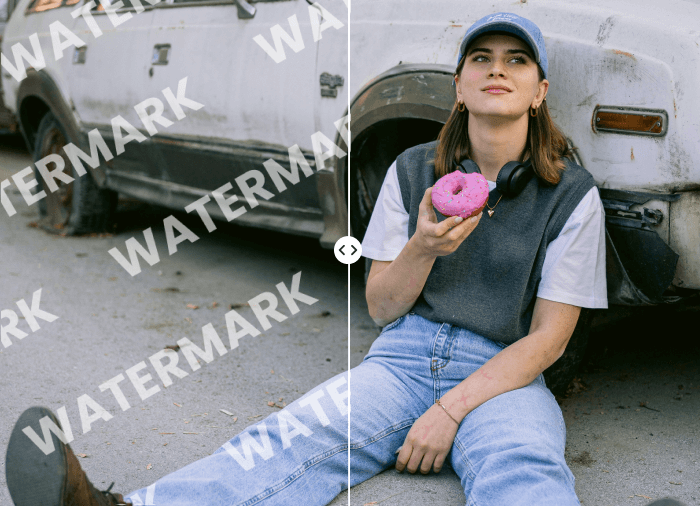
AI Video Watermark Remover
Remove unwanted watermark from video with powerful AI
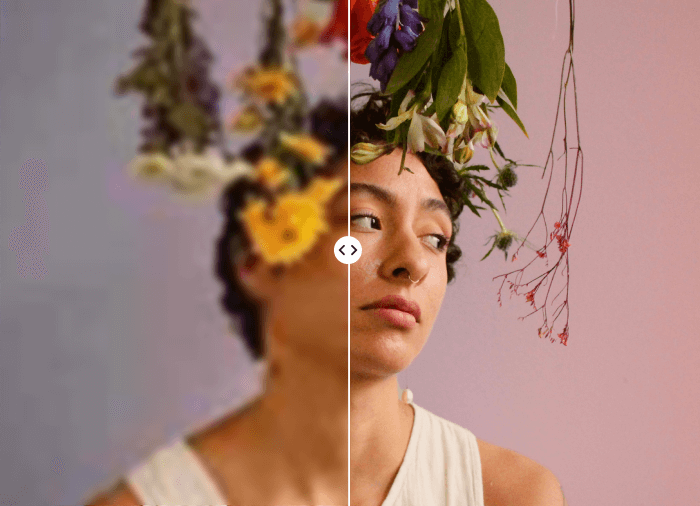
AI Image Enhancer
Increase photo quality online in seconds