


Free Online Photo Dump Maker for Instagram
Arrange, decorate, and layer your photos on one free canvas. BeautyPlus helps your casual dump look effortlessly put together, no design skills needed.


Design Your Photo Dump on a Free Canvas

AI Backgrounds for a Photo Dump Aesthetic

Stickers That Match Your Instagram Dump

More Photo Dump Pictures from a Few Shots

One Tap to Animate Your Picture Dump
How to Make a Photo Dump for Instagram
Upload Your Photos
Open the photo dump maker on the web and drop in the shots you want, blurry ones welcome.
Arrange and Decorate
Move every picture freely on the canvas, then add Patternize backgrounds, color matched stickers, tape, doodles, or a hole punch touch.
Animate and Export
Turn the layout into an animated collage with one tap if you like, then export and post it to Instagram or TikTok.

FAQ
What is a photo dump?
A photo dump is a casual set of photos shared together in one post, usually an Instagram carousel. It mixes highlights with everyday shots, like flipping through someone's camera roll.
How do I make a photo dump for Instagram or TikTok?
Upload your photos to the free canvas, arrange them however you like, decorate with backgrounds and stickers, then export and post to either platform.
Can I organize my photo dump in creative ways?
Do I have to use a fixed template?
Can I make an animated photo dump?
More Online Photo & Video Editing Tools

Pinboard - Collage Maker
Combine multiple photos in one frame to make a photo collage.
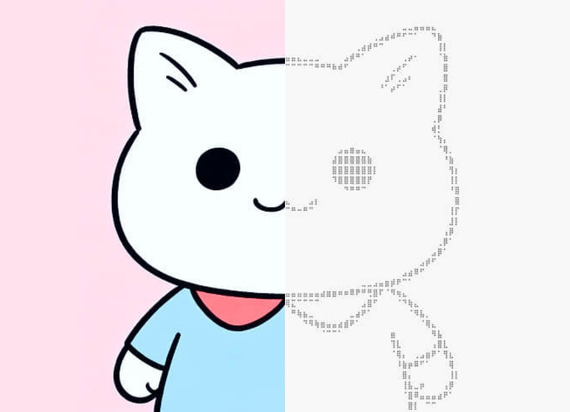
Dot Art
Convert images to ASCII & dot art instantly. Free 1-click copy & paste.
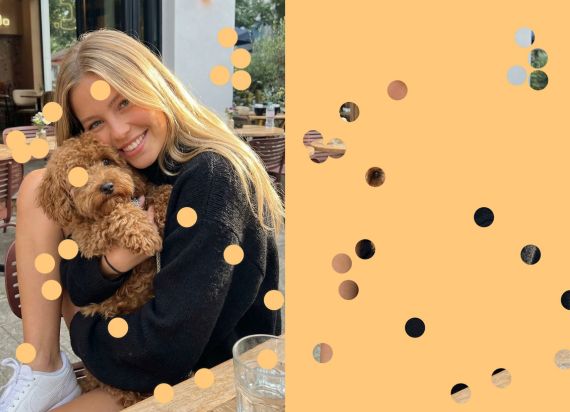
Punch Hole Effects
AI automates masking and overlays for a punch hole effect. Cut out a shape from an image online.
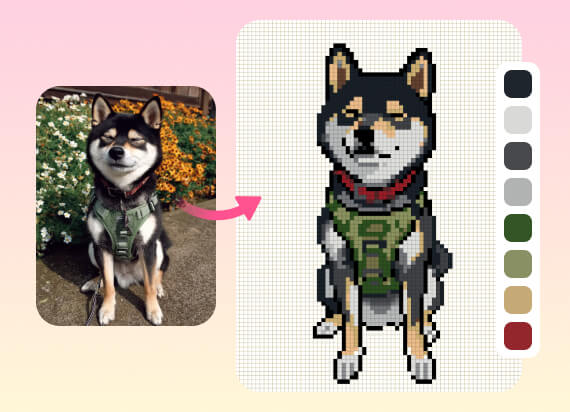
Perler Bead Patterns Maker
Turn your photos into professional Perler bead patterns with brand-matched color codes and exact bead counts to streamline your next creation.
Related Posts
Start Your Free Photo Dump
Grab whatever is sitting in your camera roll and turn it into a photo dump on the free BeautyPlus canvas. No rules here, just drag, drop, and post.