app download btn
beautyplus logo

Free Online Photo Grid Maker

A free photo grid maker for anyone who wants a clean, ready-to-post photo grid without any design work. Pick a grid template, add your photos, and download in seconds.
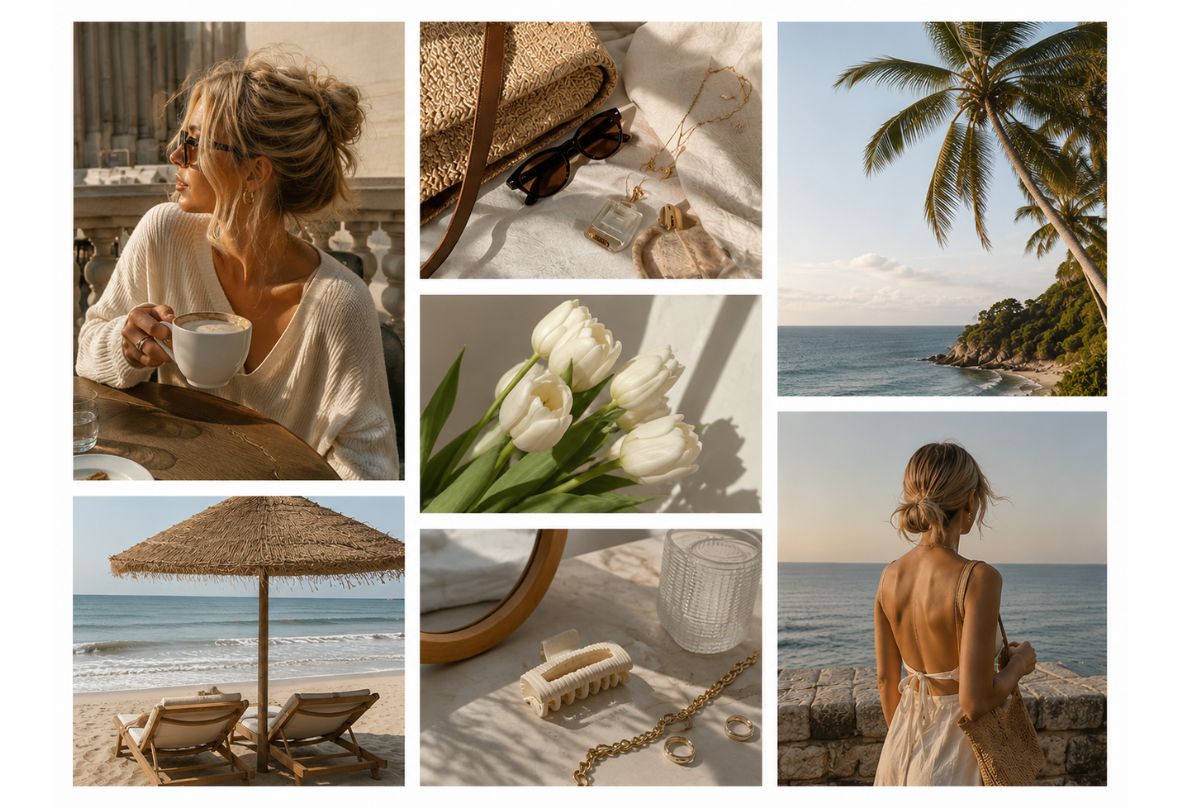
BeautyPlus Photo Grid Maker
Drag and drop Image here
BeautyPlus Photo Grid Maker

Create Photo Grid with Photos in Seconds
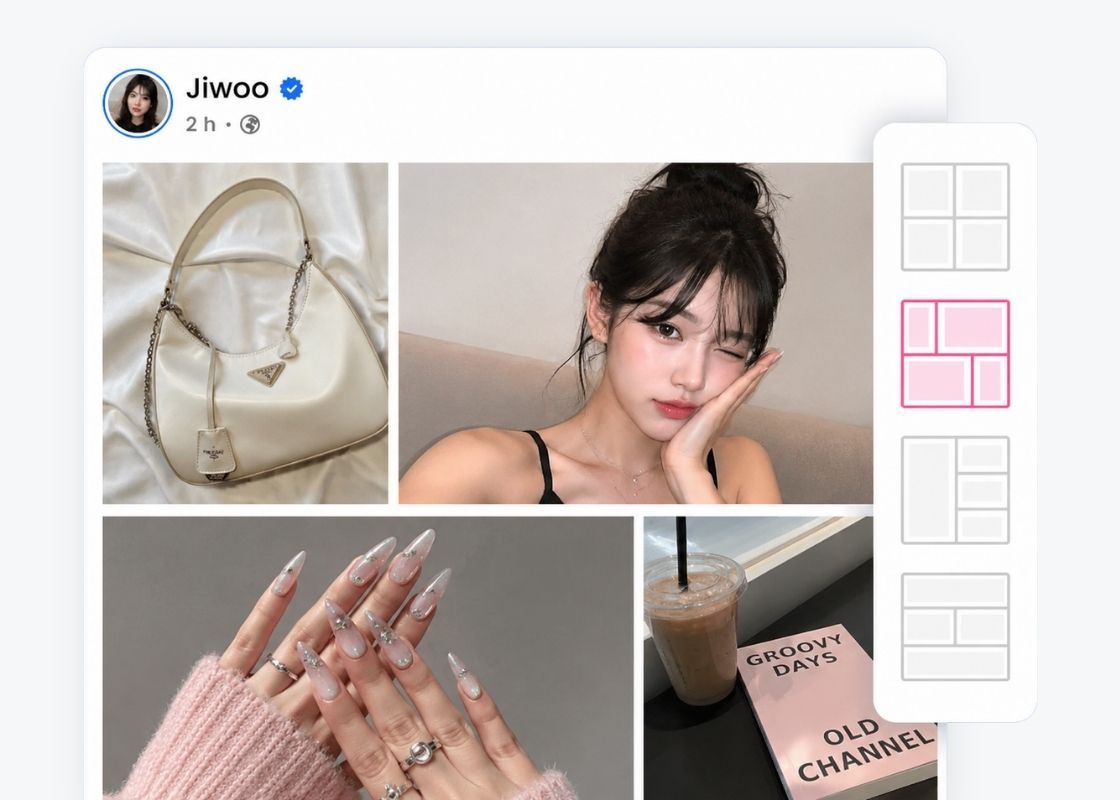
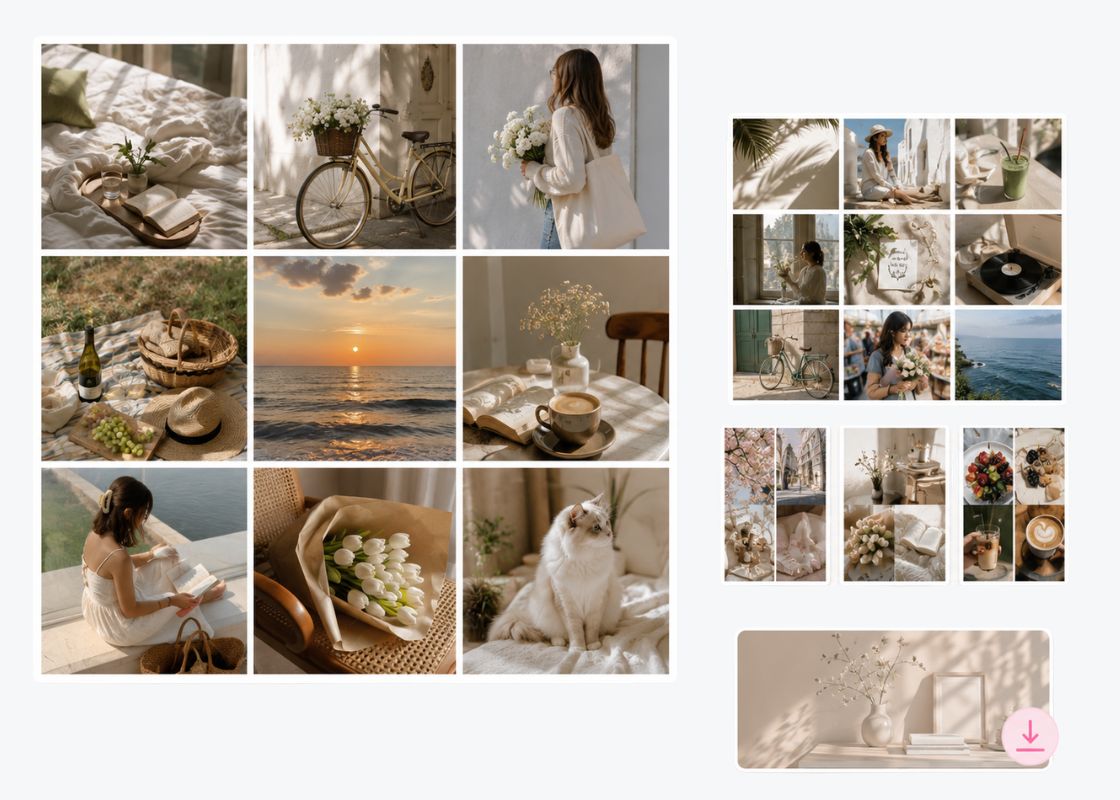
A free photo grid maker for turning 2 to 9 photos into a clean grid or Picstrip layout. Choose from a growing template library, from a simple 2-photo split to a full 3x3 photo grid. Every layout auto-arranges your images, so you always start from a polished, professional-looking grid, no cropping or aligning by hand.
BeautyPlus Photo Grid Maker

Instant Image Grid Maker for Instagram
Set your ratio to 1:1 or 4:5 and arrange your shots into a scroll-stopping Instagram photo grid or carousel. Whether it's a single grid post or a full nine-photo feed layout, every image snaps into place so your Instagram grid looks cohesive from the very first upload.
BeautyPlus Photo Grid Maker

Easy Drag & Drop Grid Editor with Templates
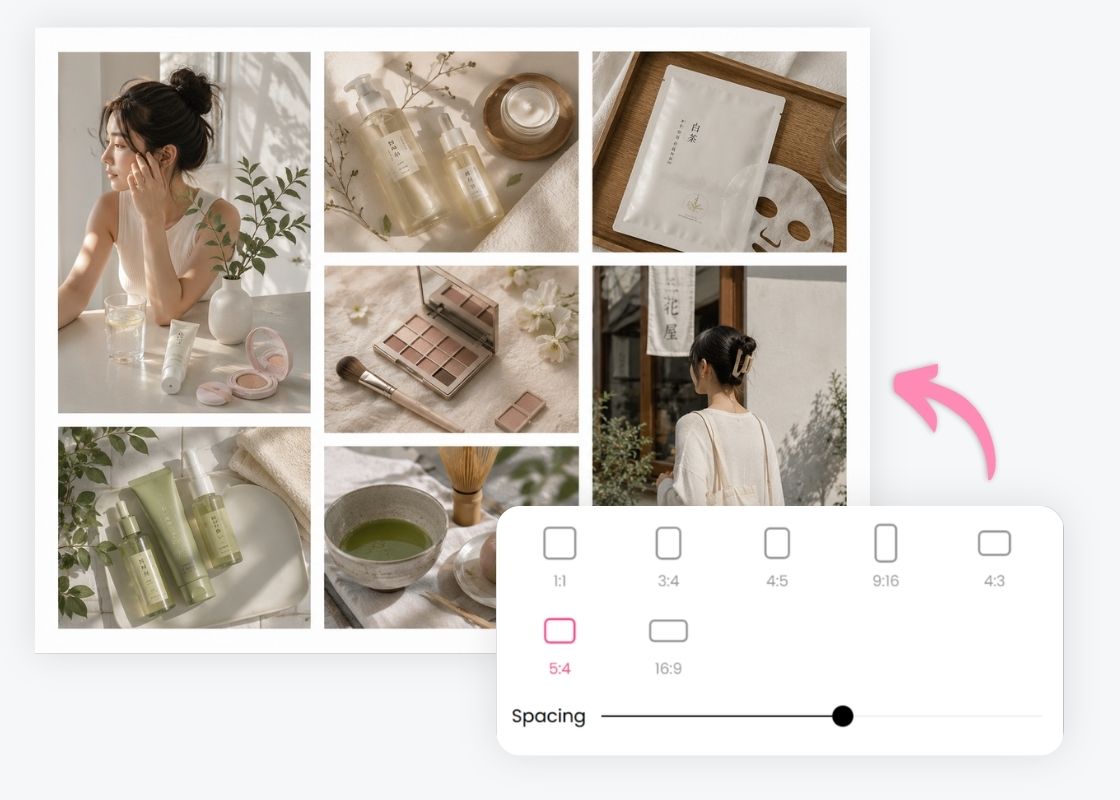
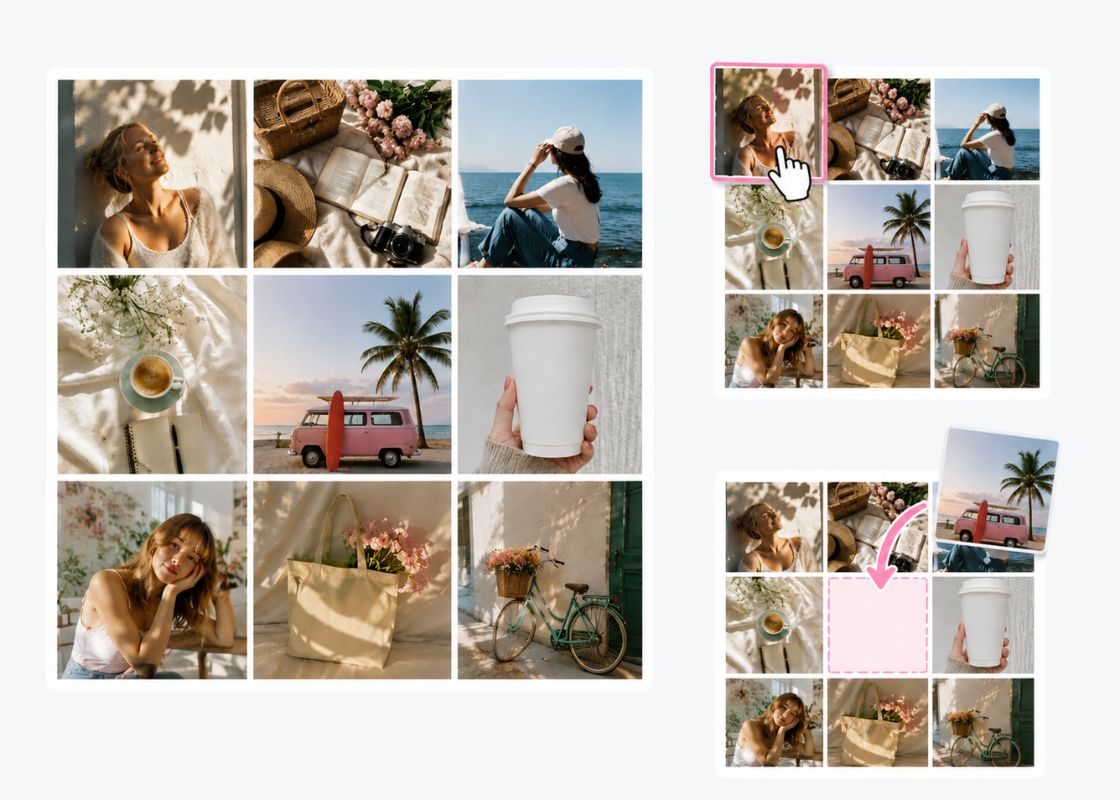
Rearranging your grid is as simple as it should be. Long-press any photo to swap its position, or drag and drop a new image straight from your camera roll to replace one already in the grid. No re-uploading, no starting over.
BeautyPlus Photo Grid Maker

Grid Collage with Any Ratio, Any Spacing
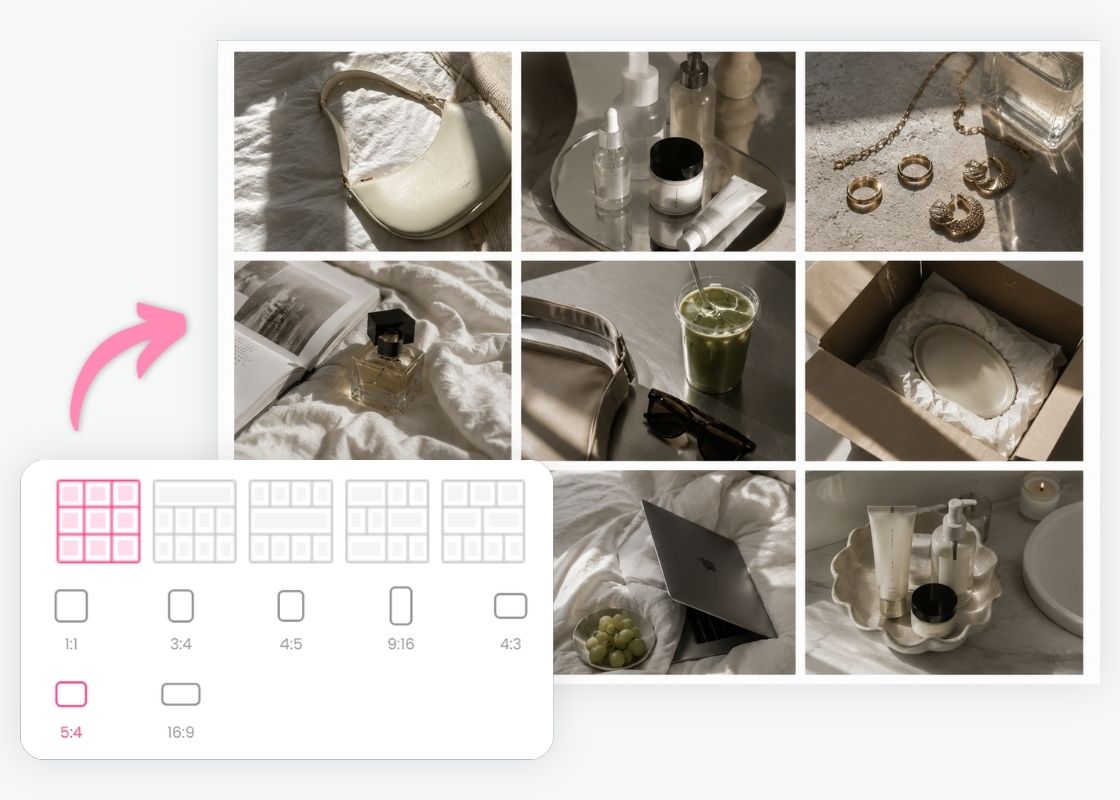
Switch between 1:1, 4:5, 3:4, 9:16, 4:3, 5:4, and 16:9 to match whatever you're posting to: social feeds, Stories, print, or anywhere else. Adjust the spacing slider to add breathing room between photos, or pull them edge-to-edge for a seamless grid photo.
BeautyPlus Photo Grid Maker

Add Grid to Photo Online Free

Looking for an image grid maker for your feed, an image grid maker for a moodboard, or just a fast way to add a grid to a photo for safekeeping? This one free grid generator covers all three. No download, no account, no cost, and no watermark on your finished grid photo, which always downloads in high resolution.

Grid Collage Ideas for Every Photo

Instagram Feed
Travel Photo Dump
Before & After
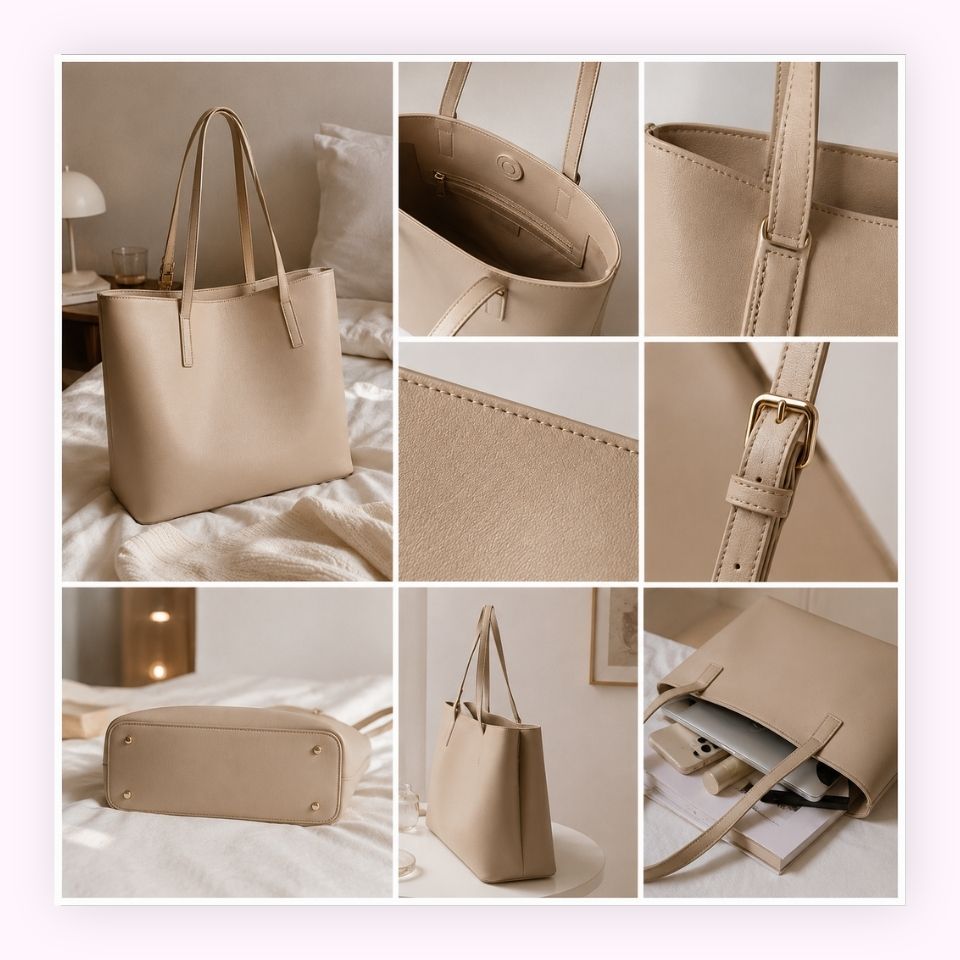
Product Showcase

Build an Instagram Collage That Stands Out
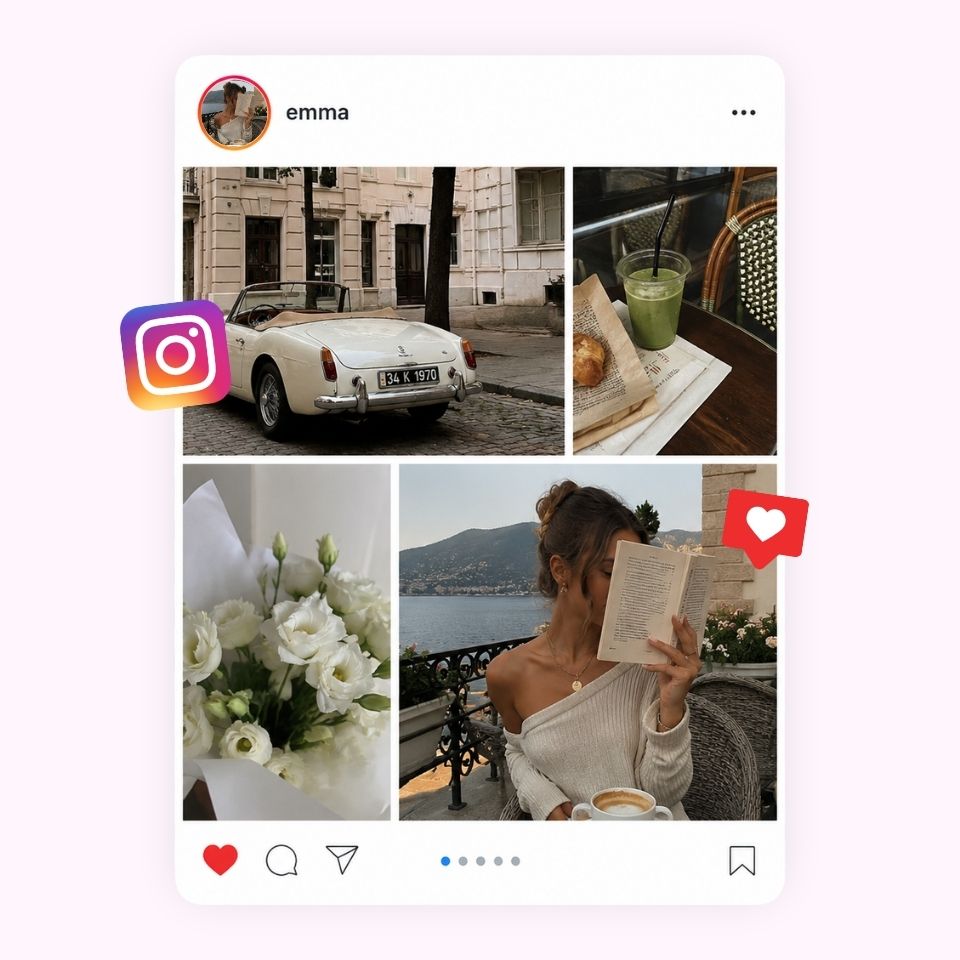
Turn a handful of separate shots into one polished Instagram photo.grid. Arrange your favorite photos into a clean grid, pick the ratio that fits your feed, and post a carousel-style layout that stops the scroll.
BeautyPlus Photo Grid Maker

Turn a Full Trip into One Photo Dump

Instead of posting one travel photo at a time, gather your best shots from the trip into a single grid or picstrip. Mix wide shots, close-ups, and candid moments into one layout that captures the whole trip at a glance. It's a quick way to share an entire day — or an entire vacation — in one post, without making followers scroll through a dozen separate photos.
BeautyPlus Photo Grid Maker

Show Progress with a Side-by-Side Grid
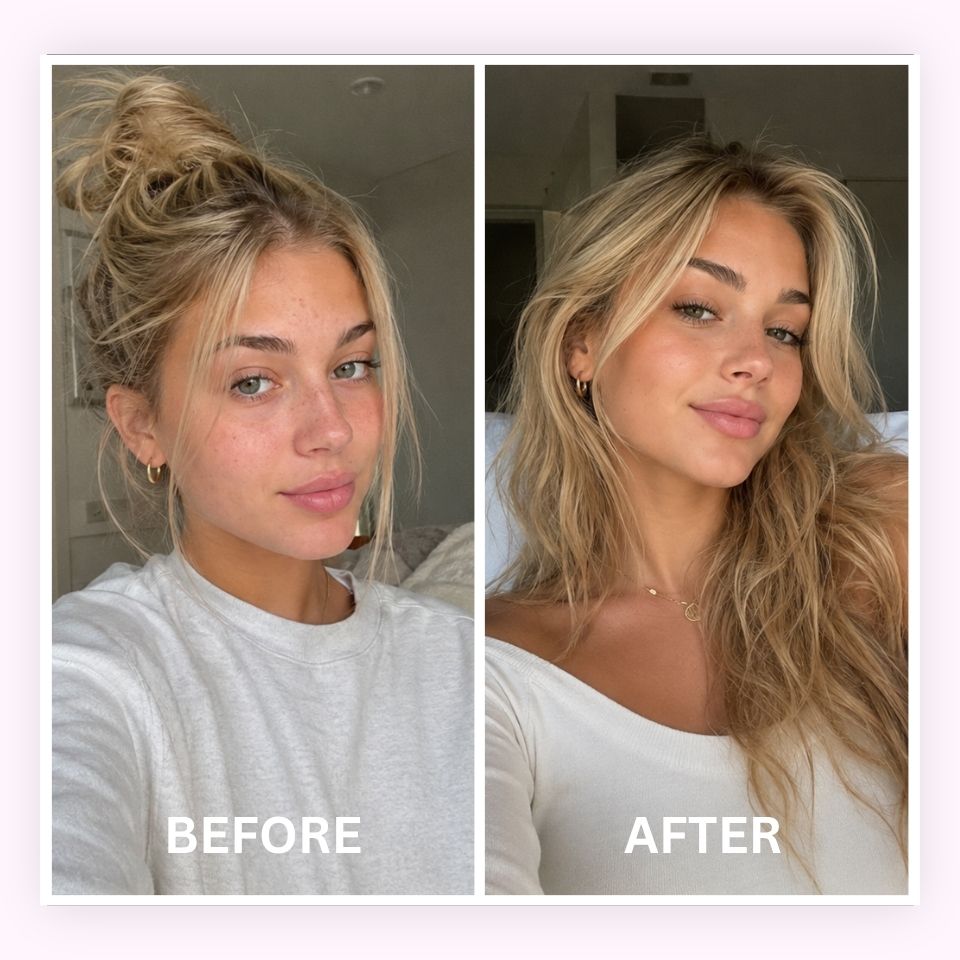
Whether it's a renovation, a fitness journey, or a makeover, a simple 2-photo grid tells the story better than two separate posts. Line up your before and after shots side by side, keep the angle and framing consistent for a fair comparison, and let the transformation speak for itself in a single glance.
BeautyPlus Photo Grid Maker

Display Products from Every Angle

Show off a product's details, colors, and angles in one clean grid instead of a dozen separate posts. Combine a full shot with close-ups of texture, stitching, or packaging so shoppers get a complete look before they buy. It's an easy way to present your catalog clearly without cluttering your feed or listing page.
BeautyPlus Photo Grid Maker

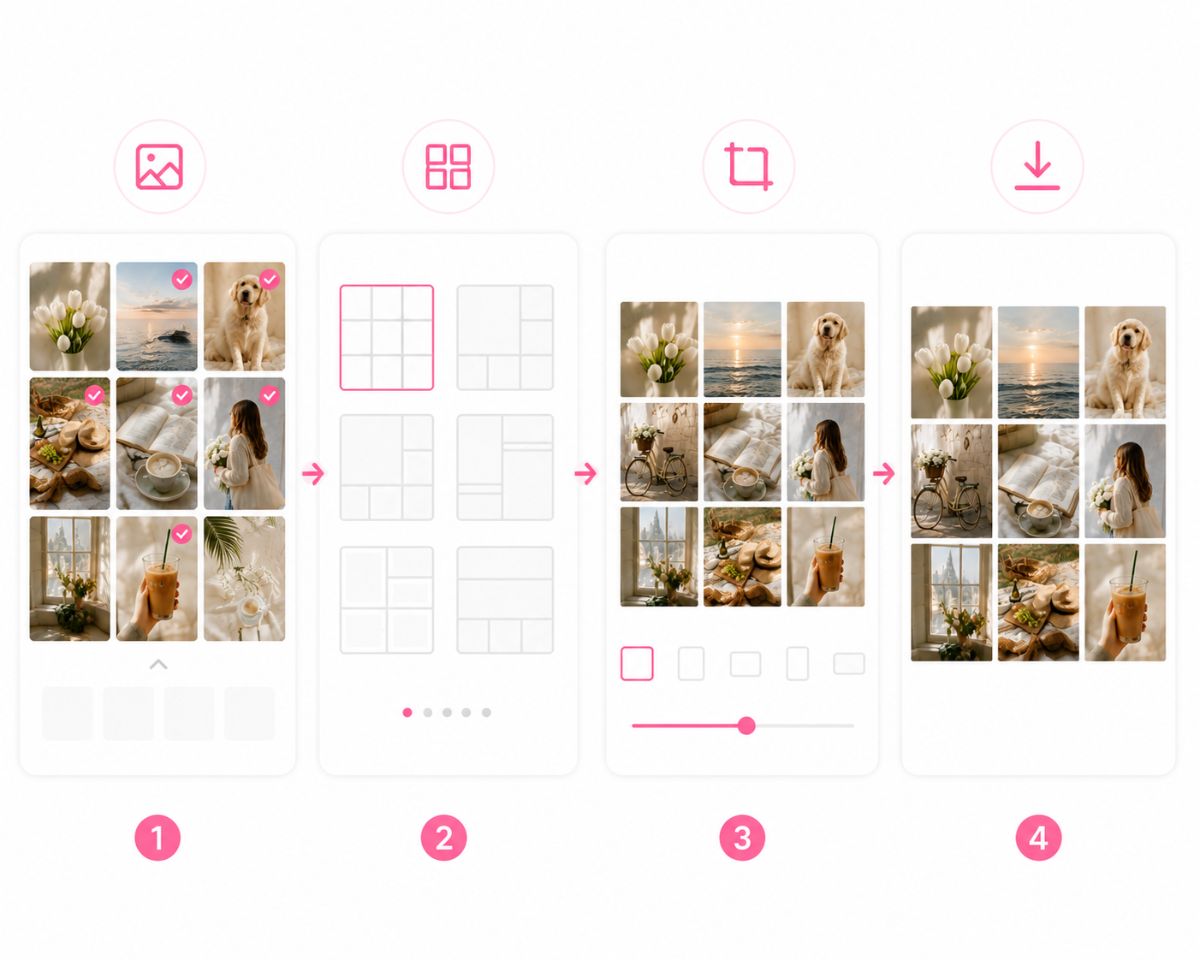
How to Make a Photo Grid?

Upload Photos

Select 2 to 9 images from your camera roll or computer.

Pick a Grid Template

Choose from a range of ready-made grid templates and Picstrip layouts, then switch instantly between them until you find the one that fits your photos best.

Set Your Ratio and Spacing

Select the aspect ratio that matches where you're posting and fine-tune the spacing between photos with a simple slider.

Download Your Grid

Hit "Download" to save your finished photo grid in high resolution, ready to post or share.
how to

FAQs

What is photo grid?

A photo grid is a layout that arranges multiple photos into a neat grid of rows and columns, allowing you to display several images in a single composition.

How do I make a photo grid on Instagram?

Upload 2 to 9 photos to BeautyPlus, choose a grid template, set the ratio to 1:1 or 4:5 for your feed, then download your finished photo grid and post it straight to Instagram.

How many photos can I add in one grid?

Can I adjust the spacing between photos?

Do my photo grids have a watermark?

More

Related Posts

Make Your Photo Grid Now

Try BeautyPlus's free online photo grid maker to turn your favorite photos into a clean, share-ready collage in seconds.