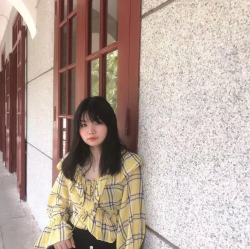
How to Look Taller in Photos Without Editing Your Body?
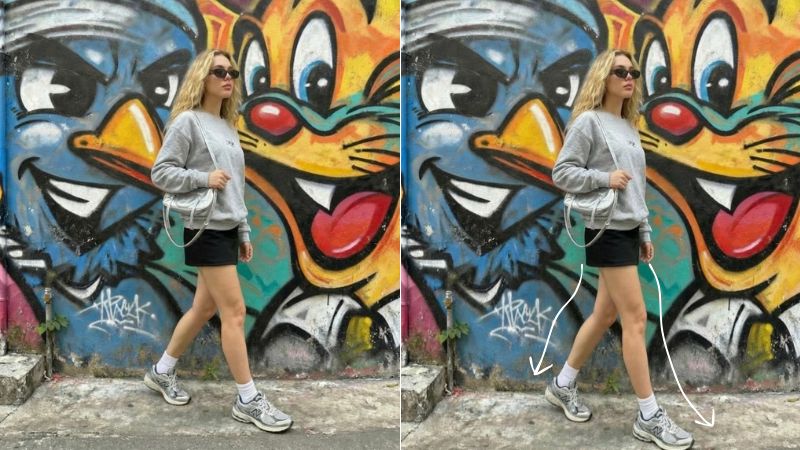
Have you ever met someone and they say, “Oh, you look so much taller than your photos”? It can be a humbling moment to realize that you come across as shorter in pictures than you actually are. Sometimes it is even unflattering. When you fill the frame correctly, your photos look more balanced, and your outfits get the justice they deserve.
There are a few useful tips we will get into on how to look taller in photos, along with some simple editing adjustments you can use to fix angles and improve overall proportions.
 Download on App Store
 Get It on Google Play
How to Make Yourself Look Taller When You Are Taking Photos
Sometimes you may appear unusually short because the photographer’s angle is not ideal, or because your pose does not flatter your height. These simple tipson how to look taller can go a long way in helping you get more balanced and flattering photos.
Lower the camera
One key rule when taking photos is to imagine the camera as the viewer’s eye. If the camera is placed too high, the angle makes the subject appear shorter because the viewer is looking down at you. This shifts the proportions and shortens the body visually. When the camera is closer to eye level or slightly lower, it creates a more balanced perspective and naturally makes you appear taller.
How to achieve
- Ask the photographer to hold the camera slightly below waist or chest level
- Avoid shots taken from above your head
- Keep the camera straight, not tilted downward
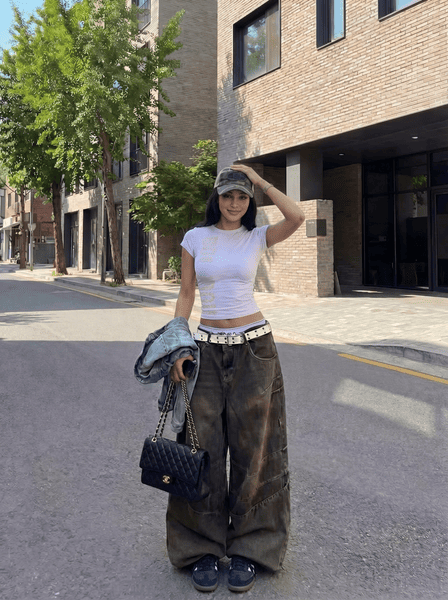
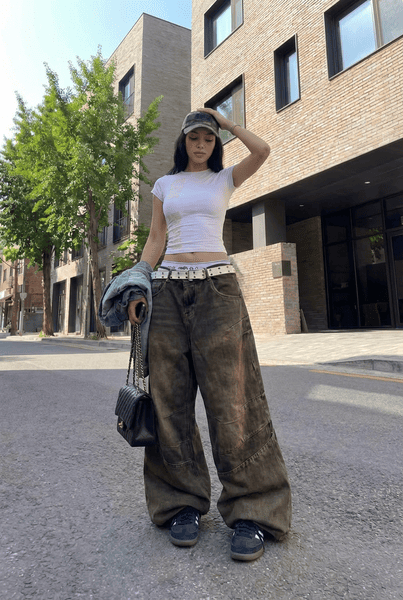
Zoom out: 0.5x zoom out mode
Using a wider lens helps capture more of your body and surroundings, which improves proportions. When you fill the frame too tightly, especially with a standard lens, it can compress your height. Zooming out slightly gives your body room to breathe and creates a more flattering sense of scale.
How to achieve
- Switch to 0.5x zoom on your phone
- Step slightly farther away from the camera
- Keep vertical lines straight to avoid distortion
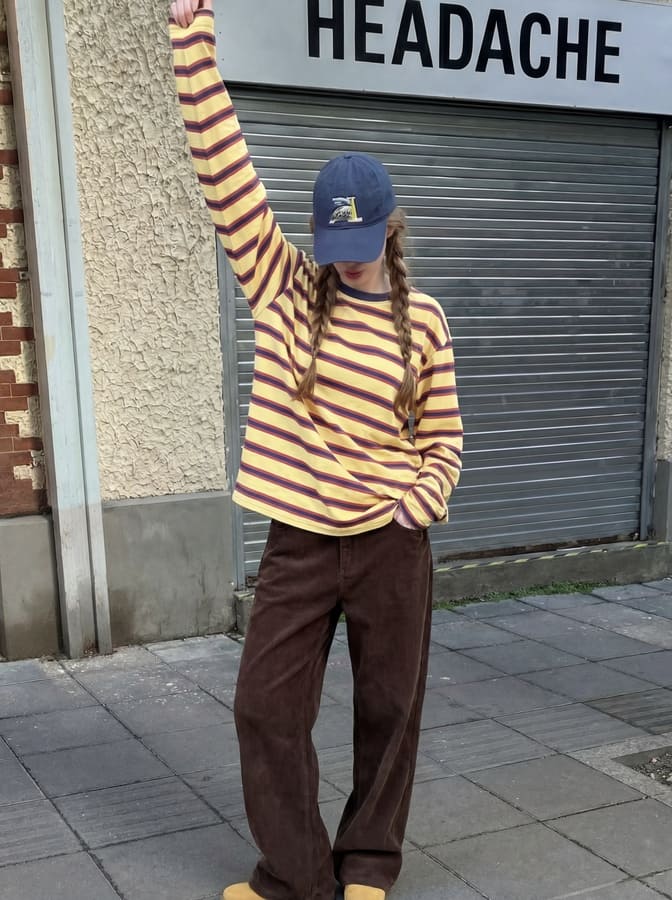
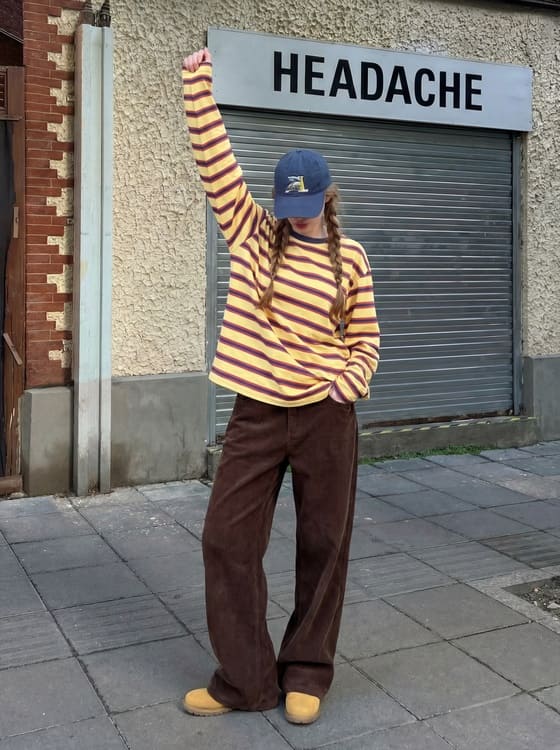
Put one leg slightly in front of the other
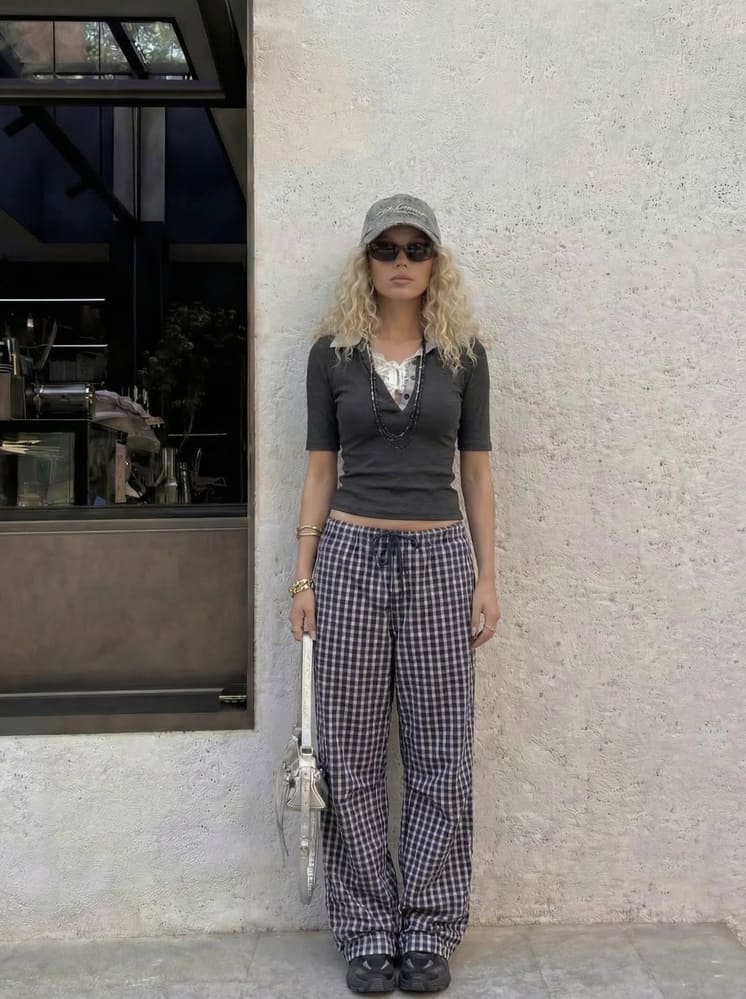
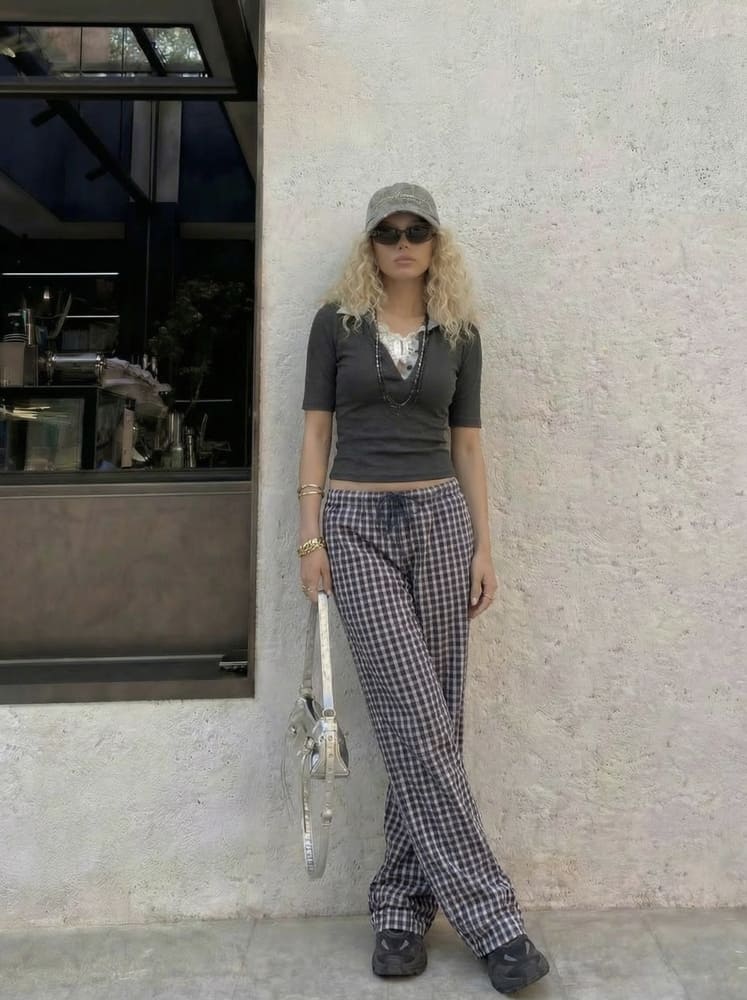
Standing straight with both feet aligned can make your posture look stiff and shorten your frame. Placing one leg slightly in front creates depth and a natural diagonal line, which visually lengthens the legs and adds movement to the pose.
How to achieve
- Shift your weight to one leg
- Place the other leg slightly forward or crossed
- Keep your posture relaxed, not rigid
How to Look Taller in Pictures After Taking Photos
People often reach for body-editing tools to make themselves look slimmer or taller, but does being skinny make you look taller? Not really. Angles play a much bigger role. Here’s how to make yourself look taller in pictures by editing them to create a natural taller look without distorting your body.
Using Photos in Phone
If you want to know how to make yourself look taller, your phone is already the best tool you have to fix your photos. If you have pictures taken at eye level and want to create the perception that you look taller, a simple edit can make a big difference. It is quick, effective, and does not require any external tools.
Step-By-Step
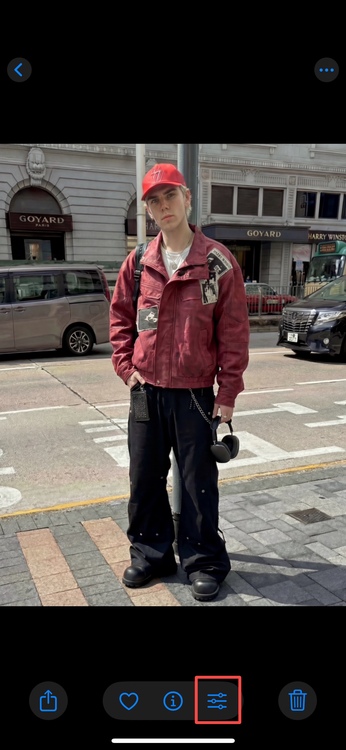
1. Open your photo in the Photos app and tap “Edit”, shown as the three-line icon at the bottom.
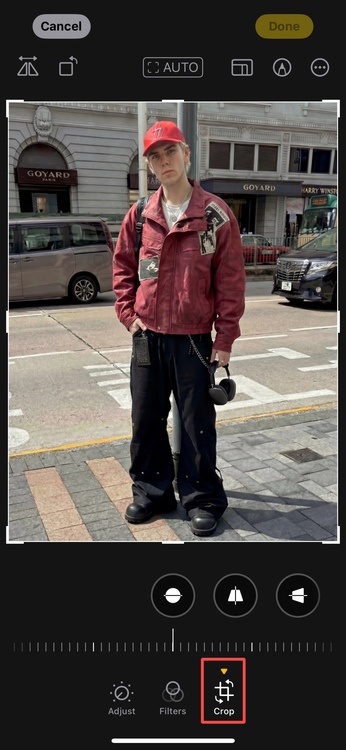
2. Tap the “Crop” option from the tools at the bottom of the screen.
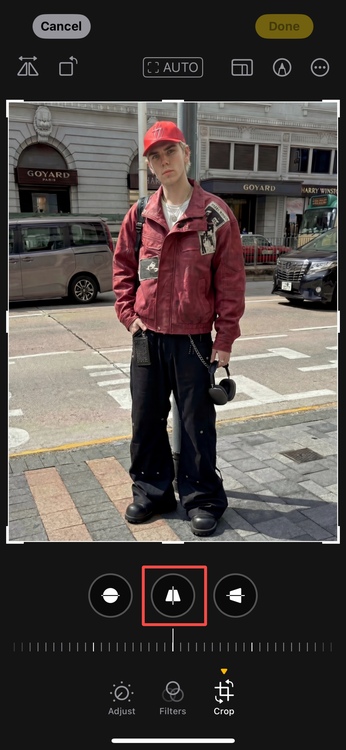
3. Next, tap the “Perspective/Adjust” icon at the top left of the screen.
4. Select the “Vertical tool” and move the slider slightly to the right until the image looks balanced and natural.
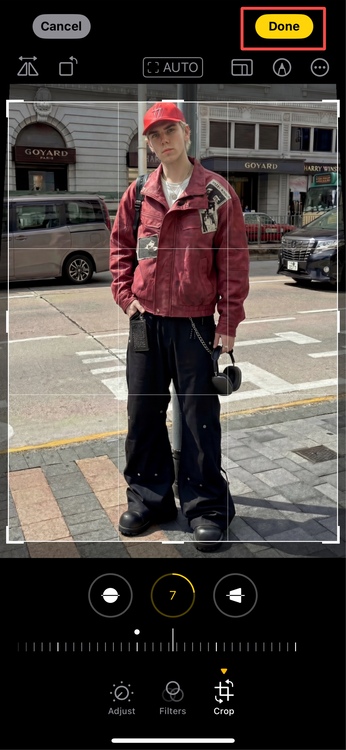
5. Tap “Done” in the top right corner to save the picture to your device.
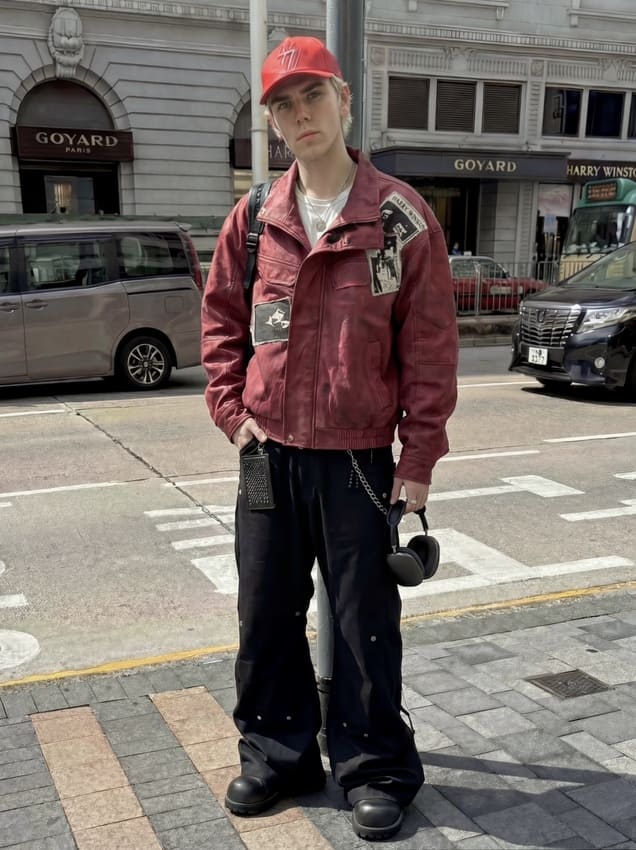
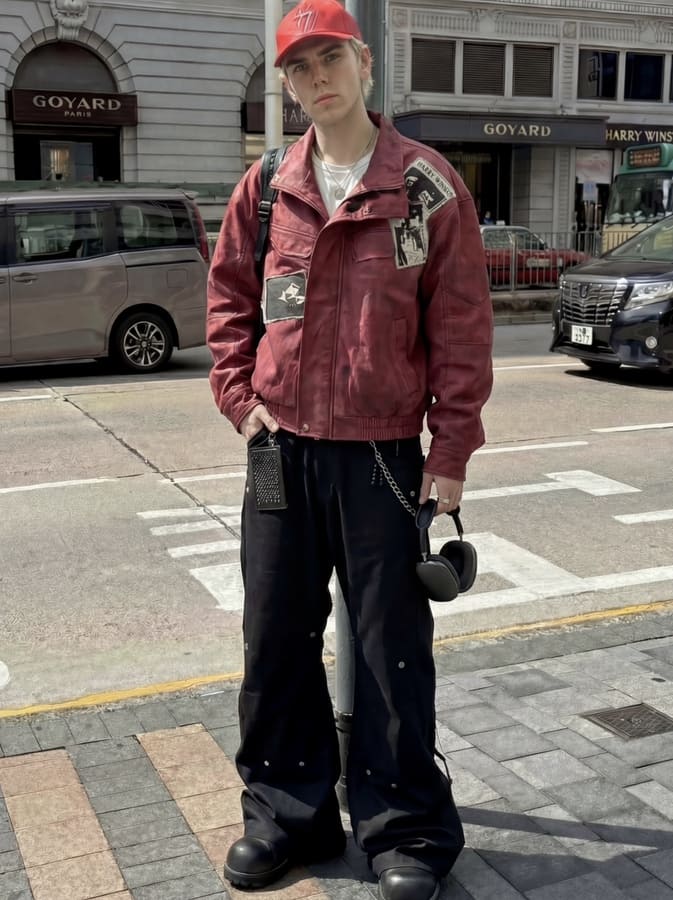
Using BeautyPlus
If you want more realistic results where you actually look taller, and the edit does not feel off or distorted by angles, BeautyPlus is a strong option. It is an all-around photo editing app with AI-backed tools, so the results stay natural and balanced. It also includes specific height-adjustment features, which make it easier to improve proportions without the edit looking obvious.
Step-By-Step
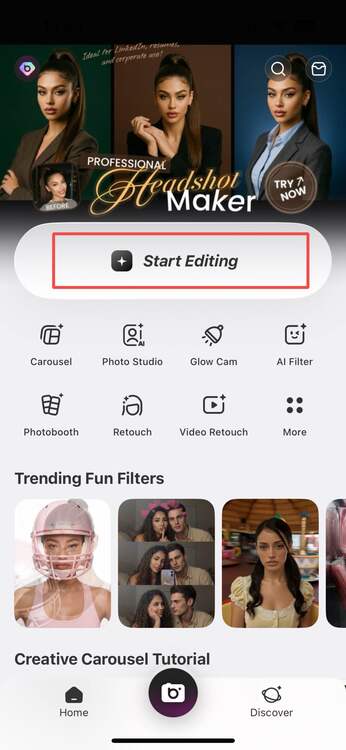
1. Open the BeautyPlus app and upload your photo into the app from your device by tapping on “Start Editing”.
2. Tap on “Portrait” to access portrait editing tools and from there select “Body Tuner” from the available options.
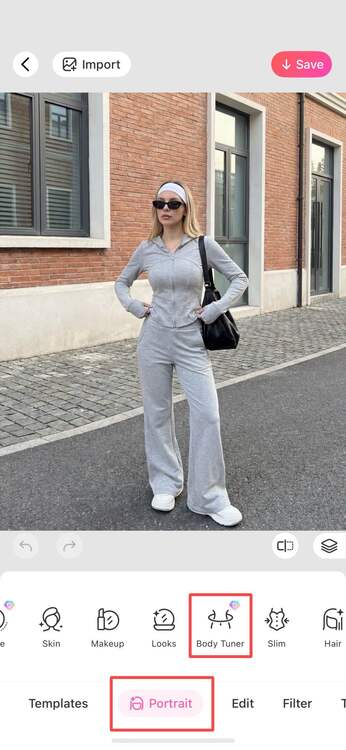
3. Tap “Height” and adjust the leg length through the slider slightly until it looks natural and balanced.
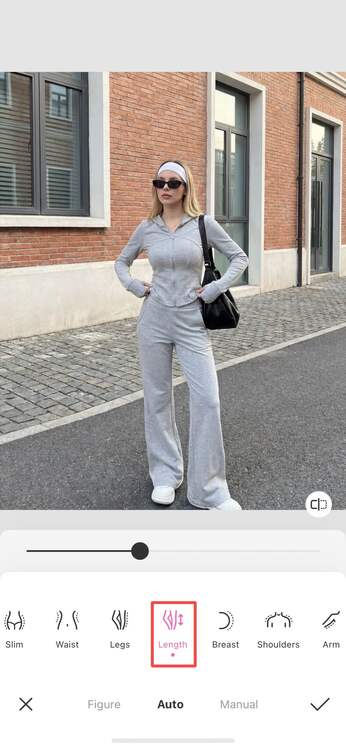
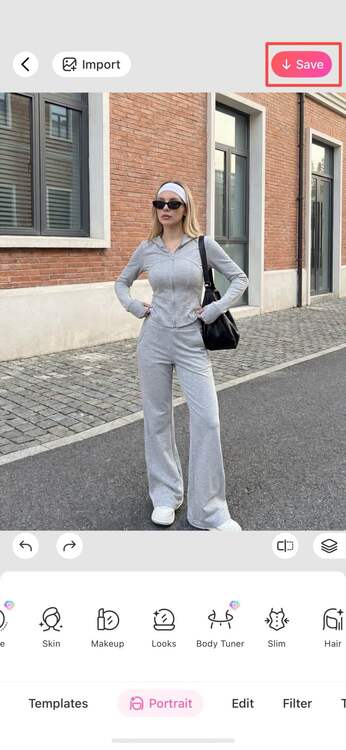
4. Save the edited image by tapping the “tick” icon and then download the image to your device by tapping “Save” on the top right corner of the screen.
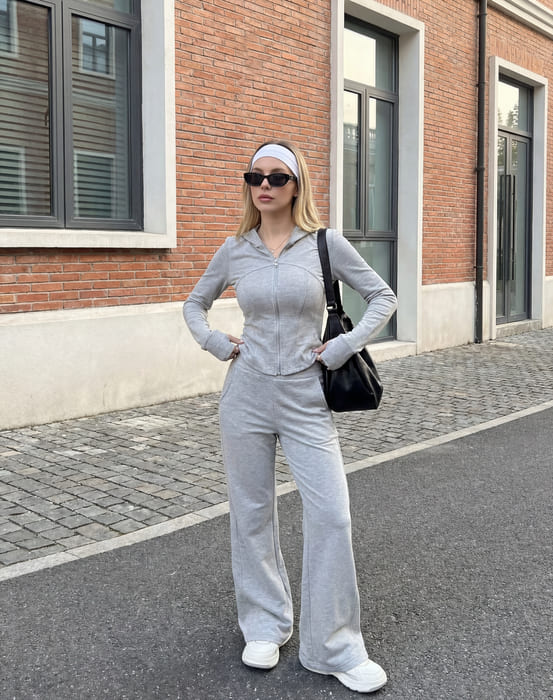
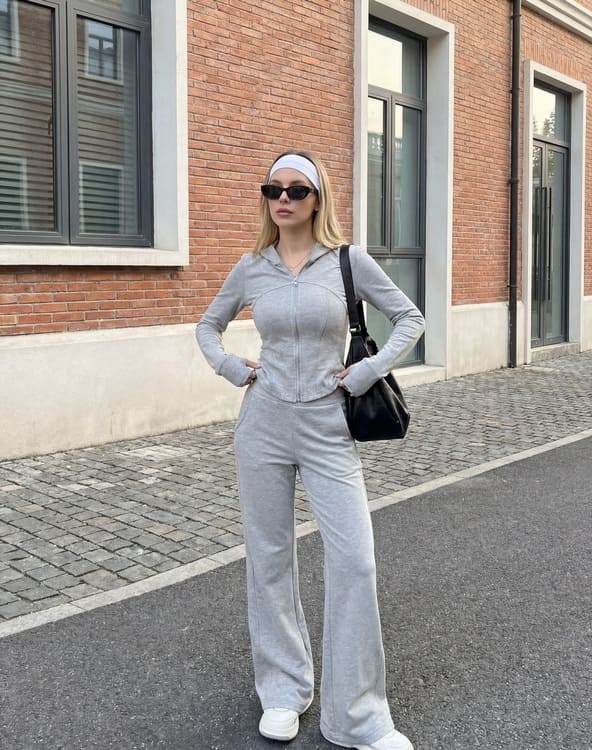
Bottom Line
A taller appearance is generally more flattering, and photos taken from angles that enhance your height tend to look more balanced overall. With the right positioning and a few simple adjustments, you can improve how you look in photos without forcing edits or changing your body.