
I Tested the Best AI Photo Enhancers of 2026: Here‘re My Top Picks
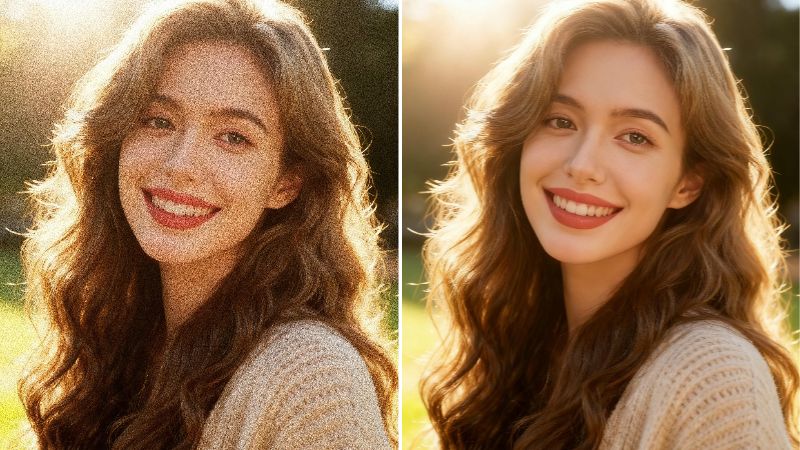
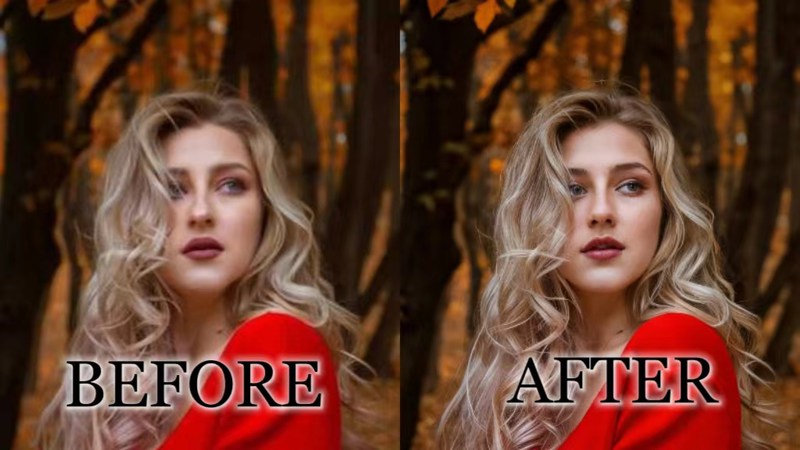
We’re entering a new era, and the AI enhancer market isn’t holding back; new tools emerge faster than we can keep up. With over a hundred enhancers out there, I tested the cream of the crop, zooming in at 100% and running each one across multiple image types to see how they actually live up to their claims.
I tested through the claims these enhancers promised. So I checked sharpness, detail recovery, noise/blur reduction, color and skin tone accuracy, face enhancement, upscaling quality, artifacts, and processing speed. And because free tiers lie constantly, I also checked the real free limits versus what’s locked behind a paywall.
It may seem like a lot, but these are the best AI photo enhancers out there, and I will tell you exactly why these AI image enhancers have earned their spot.
Best AI Photo Enhancer at a Glance
To give you a quick summary of the best photo enhancer tools being discussed, here’s a breakdown of each one’s biggest strength and who it’s best for:
| Tool | Biggest Strength | Best For | Price |
|---|---|---|---|
| BeautyPlus | Up to 16K, 50-image batch processing, strong hair detail and noise removal | Portraits, social media, pets, and batch workflows | -2 free enhancements-From $10/month |
| AirBrush | Strong noise reduction, hair detail, and product photo fidelity | Portraits and product photos | -3 free used per day-Start from $3/3 credits to $99/200 credits |
| Picsart | Natural skin texture and strong color fidelity | Portraits and social content | -Free low-res enhancements-From $10.50/month |
| EzEnhancer | Strong low-resolution reconstruction and detail recovery | Low-quality and compressed images | -10 free credits per day-Pricing start from $8/month |
| Krea | Extensive manual enhancement controls with up to 22k enhancement levels | Users who want control over AI strength, resemblance, clarity, and sharpness | -Pricing start from $5/month |
| Canva | Simple enhancement inside its design editor | Quick edits within an existing design workflow | -1 free try third party AI photo enhancer (Starts at $3.3)-Canva Pro starts at $18 |
| PicWish | Natural portrait restoration and 30-image batch processing | Portraits and bulk image enhancement | -Basic models are free of cost-From $3.33/month |
| LetsEnhance | Up to 512MP output with strong deblurring | High-resolution upscaling, print, and batch work | – 10 free credits upon logging in-$9/100 credits |
| Remini | Strong face restoration on old and low-quality photos | Old, faded, or blurry portraits | – Free limited enhancement-From $9.99 |
1. BeautyPlus
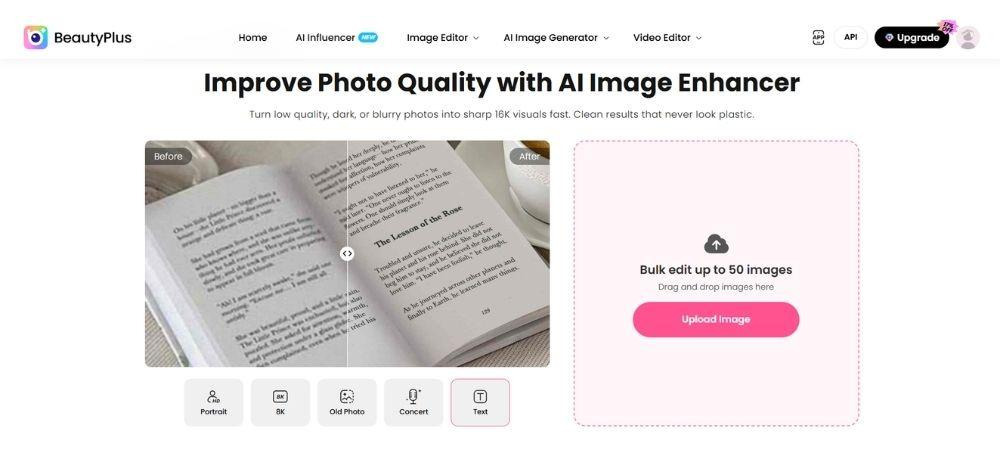
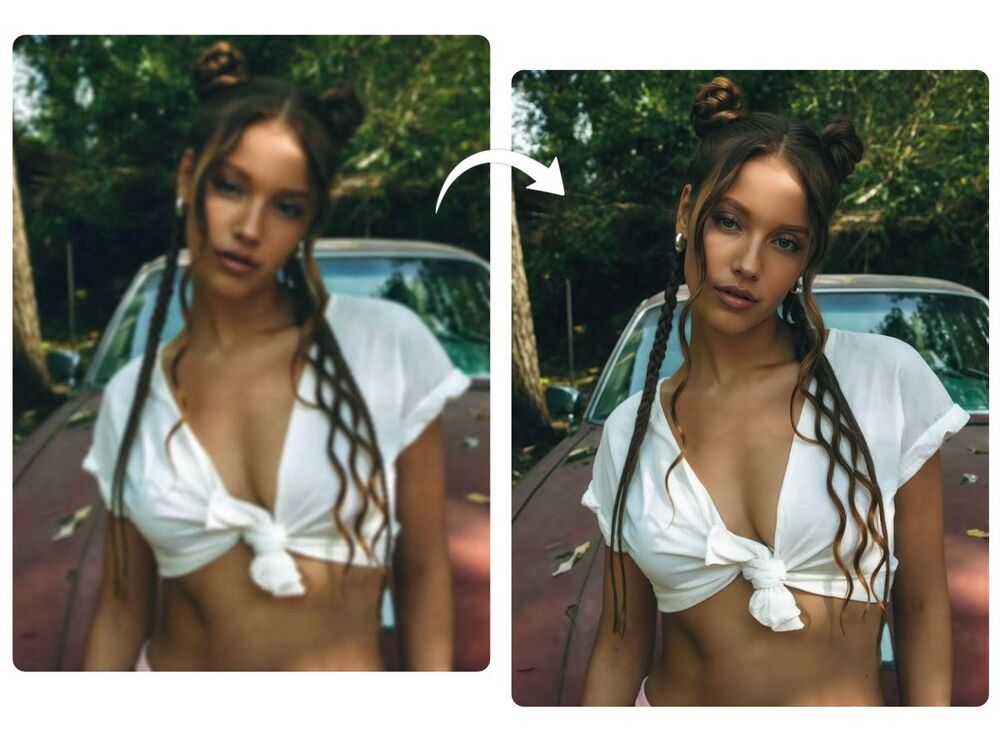
BeautyPlus is a photo editing app and an online tool, with considerable recognition and presence across social media, but that’s not why it’s a strong contender for the best free AI image enhancer 2026. It’s fast and offers bulk editing of up to 50 images, with resolution options ranging from 4K, 4K Pro, 4K Max, 8K, up to 16K.
Since BeautyPlus seems more inclined to satisfy the social media crowd, I tested it across various portraits. Overall, in many cases, I found it accurately restored features that had been blurred, with a special focus on flyaway details that actually matter. Portraits looked natural without over-processing the skin, while colors stayed true to the originals.
Since it handles fine hair detail so well, pets held up nicely too. Text stayed clear and readable, with no distortion to the letter shapes. Landscapes depend heavily on how blurred the original image is, but among all the best AI photo enhancers tested, BeautyPlus restored landscapes the best, with high fidelity, extreme detailing, and accurate lighting.
Price: Starts at $10/month.
Pros
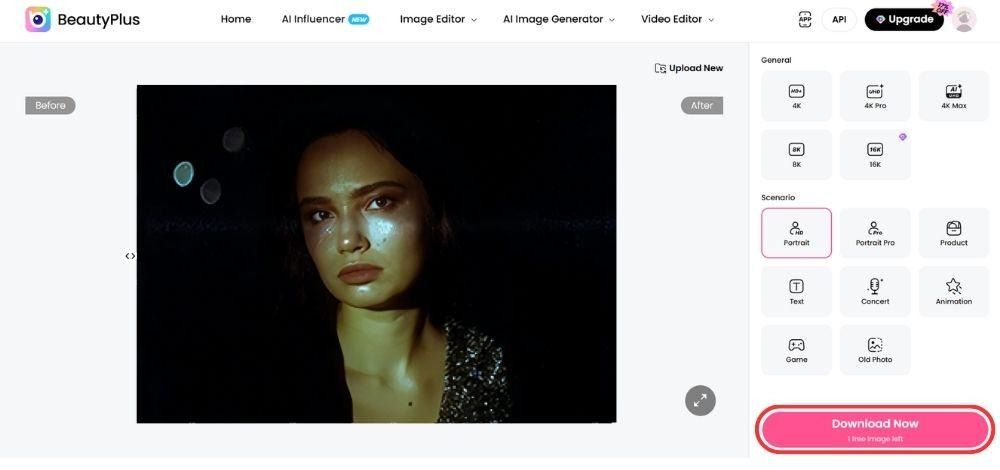
- Handy before/after slider to compare results side by side
- Daily free trial credits, so you’re not locked out between paid runs
- Exports at full resolution, no compression loss on download
- Near perfect landscape enhancement compared with other tools
- Renders fast, no lag even on larger files
- Handles up to 10MB uploads without issue
Cons
- Limited daily free trial.
- Product shots can pick up fabricated detail that strays from the original, worth double-checking before you use it commercially
2. Airbrush
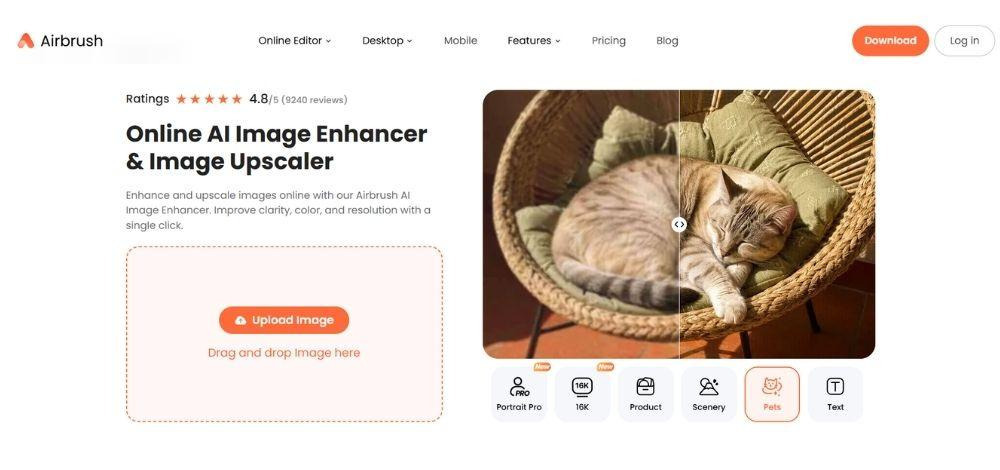
Airbrush enhancer has resolution options ranging from 4K, 4K Pro, 4K Max, 8K, and 16K, with credits varying between them; the higher tiers take up 2 credits, while the lower ones only use 1. Noise reduction was impressive; it got rid of grain on images I tested across flawlessly.
Portraits looked natural without excessive sharpening, though landscape enhancement could have been more nuanced. Hair enhancement was/ impressive to the point that I could zoom in and still be convinced. Worth noting, at 16K resolution, the results were notably better, though skin still came out overly smoothed. Even so, it looked convincingly natural, and distortion was minimal across the higher tiers.
Pricing: $3 for 3 credits, up to $99 for 200 credits.
Pros
- Clean noise reduction with no visible artifacts left behind
- Noticeable clarity boost on compressed social-media images
- Holds onto original colors and facial structure well
- Great for product photos, high fidelity with just a slight plastic sheen
Cons
- Fine detail like eyelashes stays a bit soft or blurry
- Struggles to reconstruct detail from low-res source images
3. Picsart
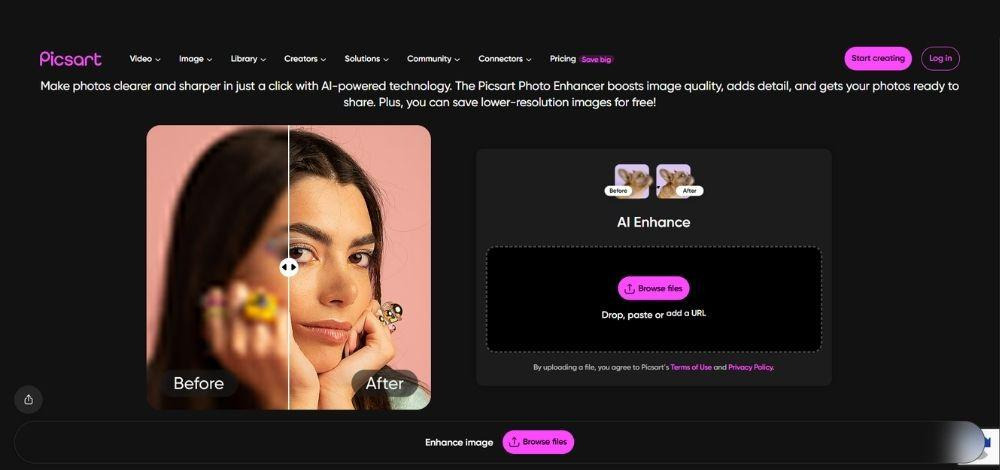
Picsart plays it safer than most of the field. There’s no visible sign of artifacts, which is reassuring, but that caution comes at a cost: the enhancement is simple enough that it doesn’t fully satisfy if you’re hoping for a dramatic recovery. Noise and grain removal is genuinely very good, one of the better performers in that specific category, but the free download comes at low resolution, and you’ll need the Pro tier to unlock HD export.
Pricing: From $10.50/month for everyday light use, jumping to $60/month if you need heavier AI usage.
Pros
- Strong portrait restoration, keeps facial structure and pore detail intact
- High color fidelity with no visible artifacts or facial deformation
- Fast single-image processing across both web and mobile
Cons
- Landscape saturation runs a bit too high
- Some residual noise still sneaks through
4. EzEnhancer
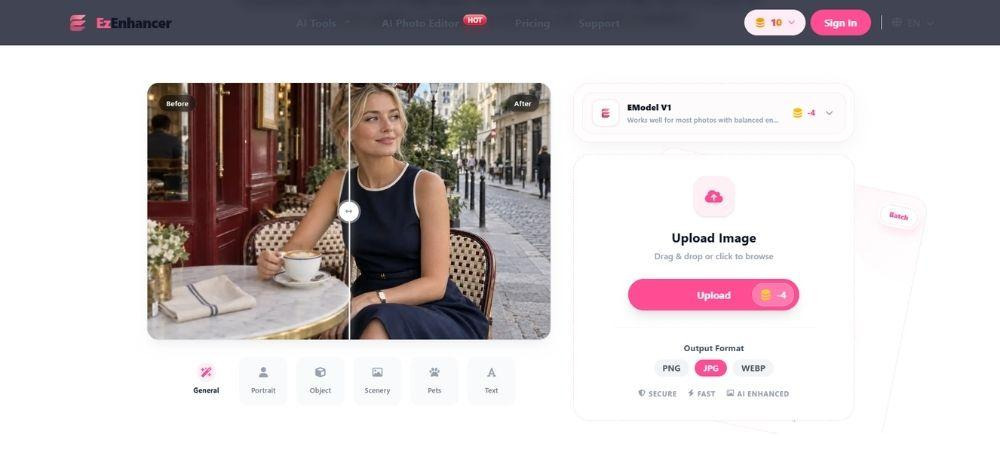
EzEnhancer major hook is its enhance tool. It runs two model tiers: E-Model v1, and E-Model Pro v2, which has the highest fidelity of the two. It handles general portraits, objects, scenery, text, and pets, though batch processing caps out at 20 images.
Clarity jumps significantly; leaf edges and fine textures sharpen without looking fake, but saturation gets pushed up in the process, causing a noticeable color drift from the original. Text recovery is the weakest link here: it comes out overly clean, with a “pasted-on” look that has no ink texture and uniform stroke pressure, a dead giveaway that you’re looking at a reconstruction, not a restoration.
Pricing: Starts at $8/month
Pros
- Sharp detail restoration with minimal distortion on normal-resolution images
- Best low-res reconstruction out of everything I tested
- It’s free for 10 credits a day, with paid plans starting at $8/month for 200 monthly credits.
- Excels on recompressed social media images
Cons
- Noticeable color shift, and enhanced text ends up with that unnatural pasted-on look
- Uniform stroke pressure on text makes it read as artificial rather than restored
- Product photos can come out plasticky, with material textures that don’t feel real
5. Krea
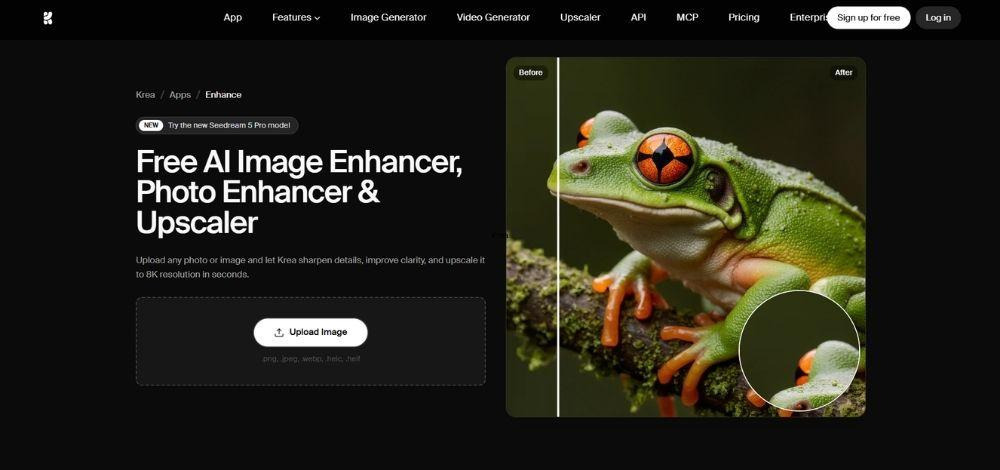
Krea Enhance and Upscale gives you the most granular manual control of anything on this list: 1x, 2x, 4x, and 8x resolution options. In addition to that, Krea also features other models including Magnific Creative, offering up to 10x resolution, Topaz Image Upscaler offering up to 16k resolution, and Topaz standard offering resolution up to 22k. It even comes with a prompt field, and sliders for AI strength, resemblance, clarity, and sharpness. A “match color” toggle exists too, though it’s a blunt on/off switch rather than an adjustable degree like the rest.
For the standard enhance tool, the control it offers is only appealing on paper. The actual output struggled. Results showed a gray cast, text was poorly recognized and often reconstructed incorrectly, and in several cases the enhanced image diverged so far from the original that it stopped looking like the same photo. That’s paired with a tendency to invent excessive fake detail, exactly the “hallucination” problem I look for and penalize hardest.
Pricing: Starting from $5/month
Pros:
- Clean output with no visible artifacts or checkerboard effects
- Free enhanced results can be downloaded without a watermark or paywall
- Fast processing on both web and mobile
Cons:
- Colors run gray, residual noise, and sometimes provide low-resolution recovery
- Text is poorly recognized; images change too much.
6. Canva
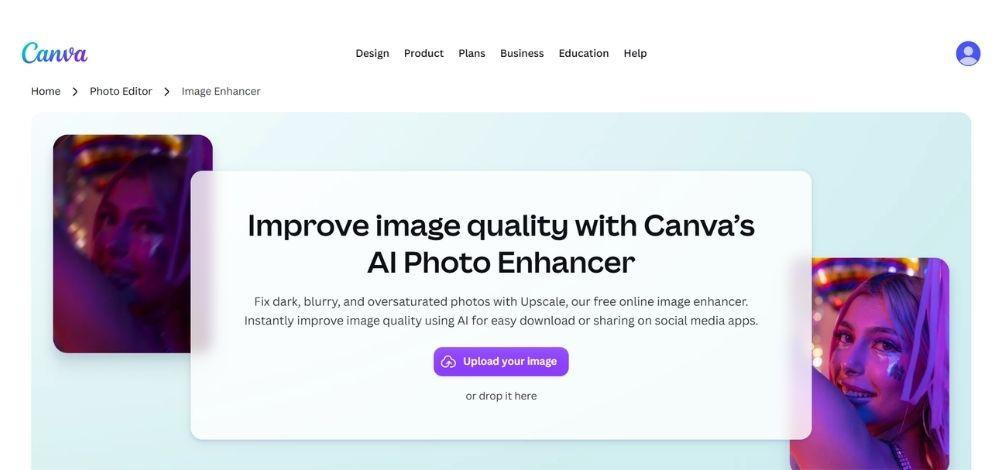
Canva AI Photo Enhancer’s is an in-built Canva tool. I wasn’t the biggest fan of it, mainly because the results were underwhelming. It handles basic enhancement decently, but distortion was a recurring issue I chose not to dig into further. For simple grain and noise removal, or restoring an image closer to its original quality, it does the job well enough. Where it fell short was in generative capability.
But besides that, Canva hosts several third-party contributors, searching “Enhance” under Apps brings up a handful of options, and since we’re focused only on the strongest tools here, a few stood out. One of the best among them, though, was the AI Photo Enhancer built by “Imgkits”. It preserved image detail impressively, and with the color enhance option enabled, it delivered what was probably the highest fidelity I encountered across this entire test.
The upscale ran at 4x. Skin came out slightly beautified, but hair, lashes, and brows were rendered with genuine precision, individual strands held together well, keeping the photo’s original character intact rather than flattening it. Where most tools tend to specialize in one strength, this one balanced several.
Pricing: AI photo enhancer by Imgkits starts at $3.3. Canva Pro (In-built upscaler) starts at $18/month.
Pros
- Preserves original colors well, no visible artifacts or facial distortion
- Supports multiple export formats, good flexibility for downloading
- Images up to 10MB are supported, with up to 5 images processed at a time.
- Up to 4k resolution
- Cost-effective than most tools
Cons
- Heavy portrait smoothing gives an artificial, soft-glow look
- Slow processing time
- Landscape sharpness is weak, and product photos can come out looking plastic
7. PicWish
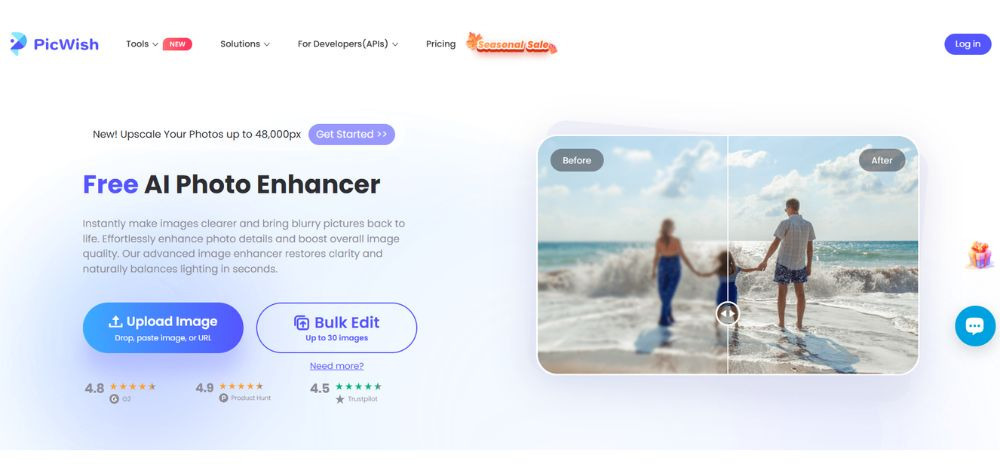
PicWish isn’t necessarily trying to impress you with an over-the-top cinematic restoration. But rather seems to want to keep its enhancement simple, and in doing so, it gets closer to what enhancers are actually meant to deliver. It offers a decent batch restoration option for up to 30 images and a humble 20MB input limit.
On Standard, close-up shots with minor blur restore well, without exaggerated skin smoothing. But when testing with heavily blurred images, the results came out looking almost cartoonish.
The higher tiers seem to make up for the lack of quality enhancement in lower models. HD clears blur nicely and looks close to flawless, while Ultra HD still carries some leftover noise and slight color drift. Restoration overall is strong; reflections and lighting hold up well too, and color fidelity stays close to the original without over-hallucinating detail.
PicWish clearly favors portraits, its best results, ahead of landscapes and pets. Overall, it’s solid across the board but doesn’t stand out in any one area. I’d rate it a 3 to 4 across the checklist: dependable, but no clear speciality.
Pricing: Starts at $3.33/month.
Pros
- Relatively natural portrait restoration
- Multiple upscaling tiers give you control over intensity
- Results skew natural, minimal over-processing
- Free plan is enough to get a feel for quality before paying
Cons
- Barely moves the needle on extremely low-resolution sources
- Free uses run out fast before hitting the paywall
- You can download a watermarked comparison for free, but the final optimized image needs a membership
8. LetsEnhance
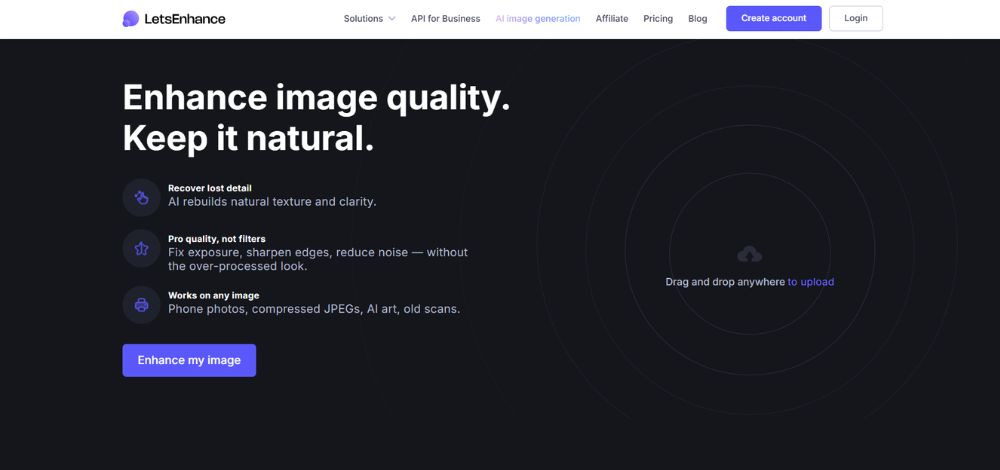
LetsEnhance AI image enhancer impressed me on paper before it impressed me in practice. Multiple models, a resolution ceiling up to 512MP (genuinely high for this category), batch processing around 20 images, and an API for teams. The free tier is real, not a locked demo, but it does come watermarked, which is fair; nobody’s giving away full commercial output for nothing.
Where it lost me a little was texture. The smoothing runs heavier than I expected; pores were still technically visible in testing, so this sits closer to “slight beautification” territory than a neutral, faithful enhancement. In a few cases, that smoothing tipped into looking plasticky rather than natural.
Pricing: Starts at $9 for 100 credits.
Pros:
- Highest deblurring and super-resolution scores in the full test
- Fast image processing, even while processing batch images
- Strong color accuracy and color fidelity, with no major deviation from the original
- No sign-up barrier, with a free tier providing 10 credits
Cons:
- Still shows heavy skin smoothing on portraits, pores mostly lost
- Landscape results can look painterly/plastic, and product photos develop an unnatural gloss
- Low-resolution reconstructions can feel limiting
9. Remini
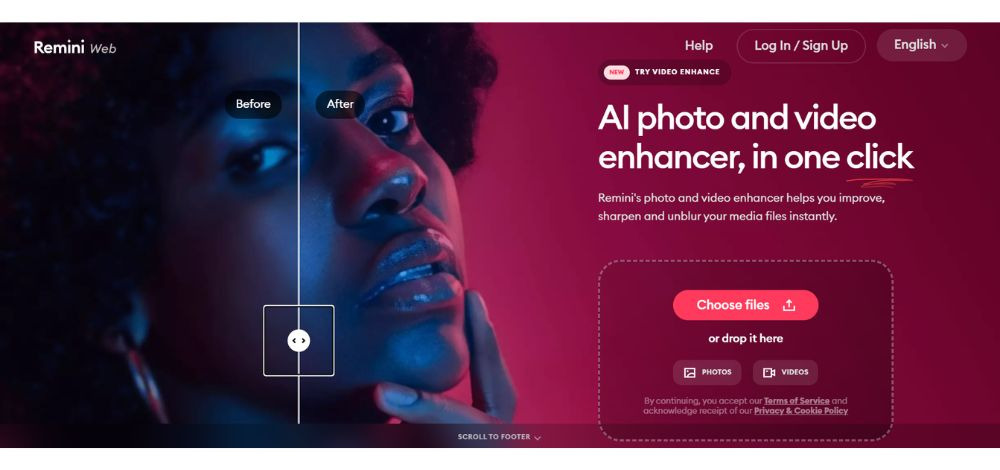
Remini AI outputs one of the highest color fidelity after enhancement. Within Remini, I tested the beautify features too that go by, Cute, Natural, Movie, Silk, Charm, and Glam, and while they all have very subtle differences, I found the biggest variation to be in the skin. Silk had the glossiest skin finish, and there’s a background blur option available too. Considering you also get background enhancement and blur in the same window, it’s clear this tool is majorly oriented toward portraits.
Color fidelity is naturally high as well, though you can adjust it. If the picture only has noise and grain, and the colors are already accurate, you won’t feel the need to use the auto color or color correction feature. The slider is always helpful, and downloads are free, without a watermark.
Pricing: Starts at $9.99/ week
Pros:
- Best-in-class for face restoration, especially old/faded family photos
- Genuinely impressive on challenging low-quality source images
- Simple, fast, minimal skill required
- Backed by scale, 100M+ monthly users, 50B+ images processed
Cons:
- Face-only focus means the rest of the photo (background, scratches) can still look old
- Shows little to no improvement on blurred landscapes
- Frequent ads and paywalls on free tier
- Extremely low-res faces stay blocky, no real quality gain
How to Enhance Photos on BeautyPlus?
The process on how to make an image higher resolution is relatively easy to follow depending on the tool you are using. BeautyPlus ensures that your final image doesn’t just exceed your expectations, but the whole process is equally easy to navigate. Here’s a step-by-step on how to fix low resolution photos with BeautyPlus AI enhancer quickly and easily:
1. Head over to your preferred browser and open BeautyPlus AI enhancer tool.
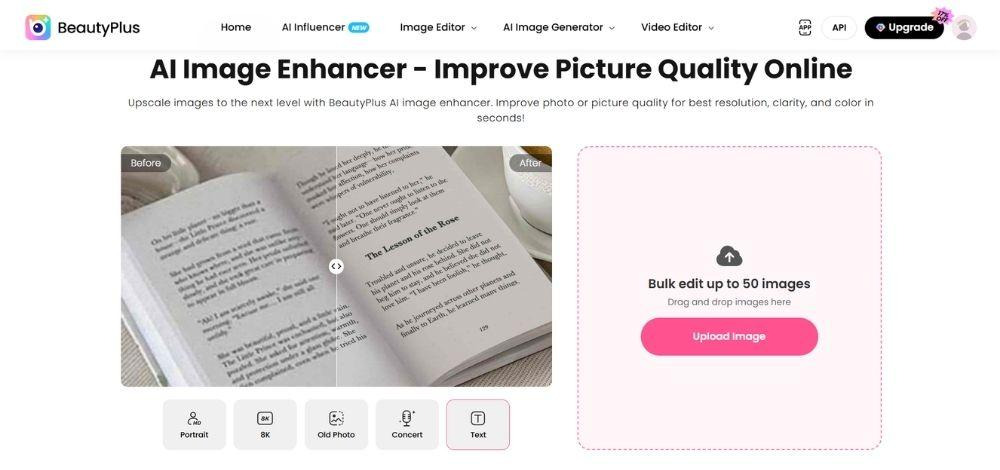
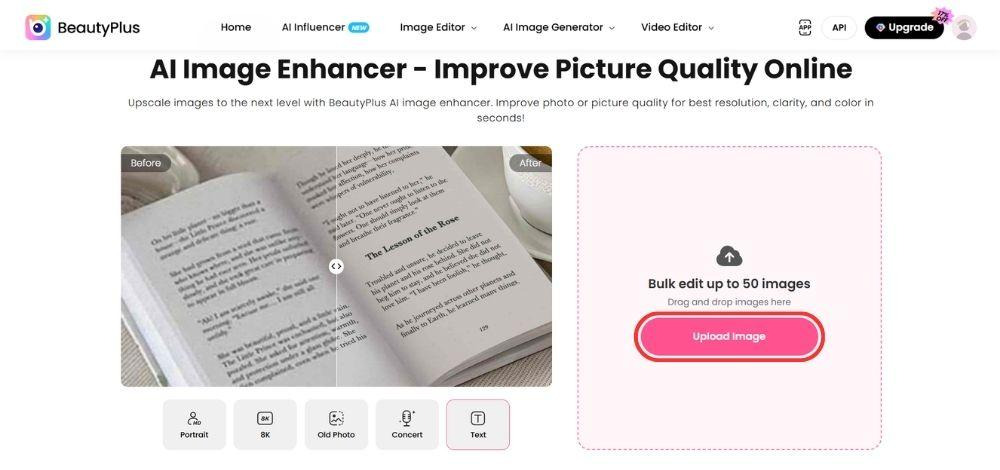
2. On the Image Enhancer page, click “Upload Image.” Browse through your images and select the one you want to enhance.
3. Select the enhancement level you want to keep. To make image clearer, select a higher resolution, preferably.
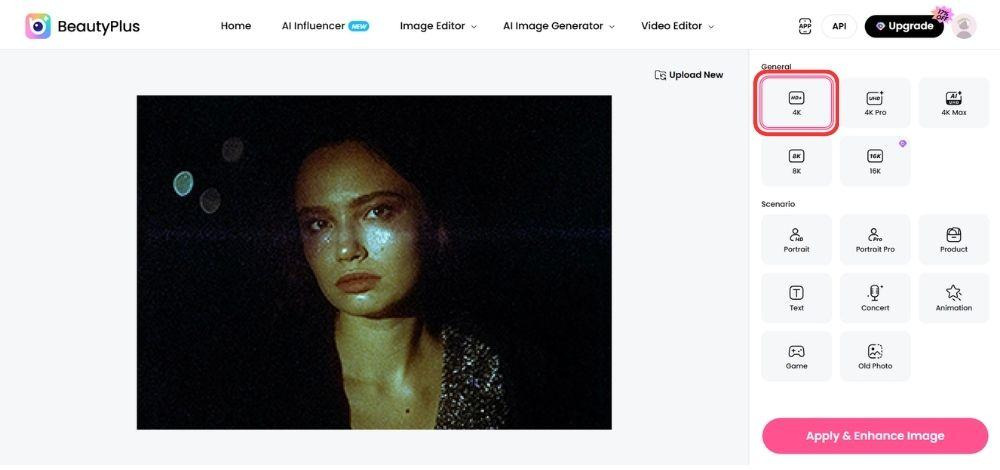
4. Choose a scenario by clicking on it that best suits the image.
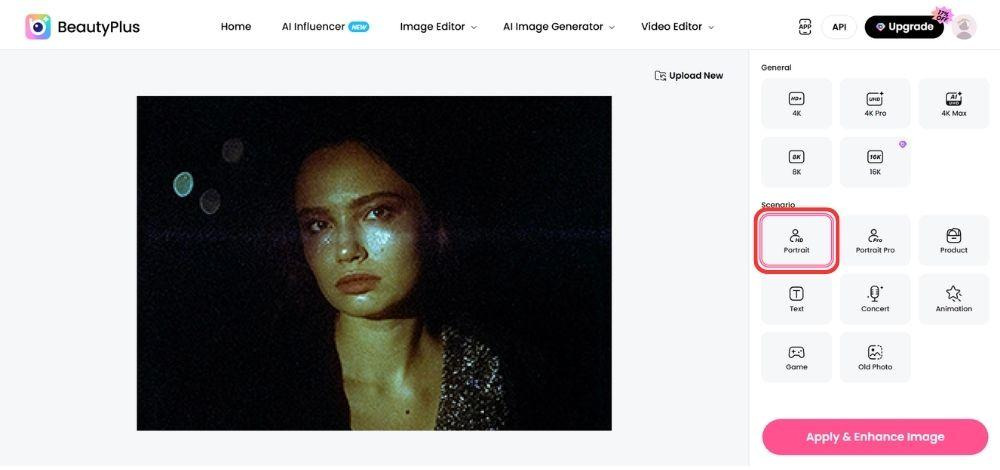
5. Simply click the “Apply & Enhance Image” button to enhance your image.
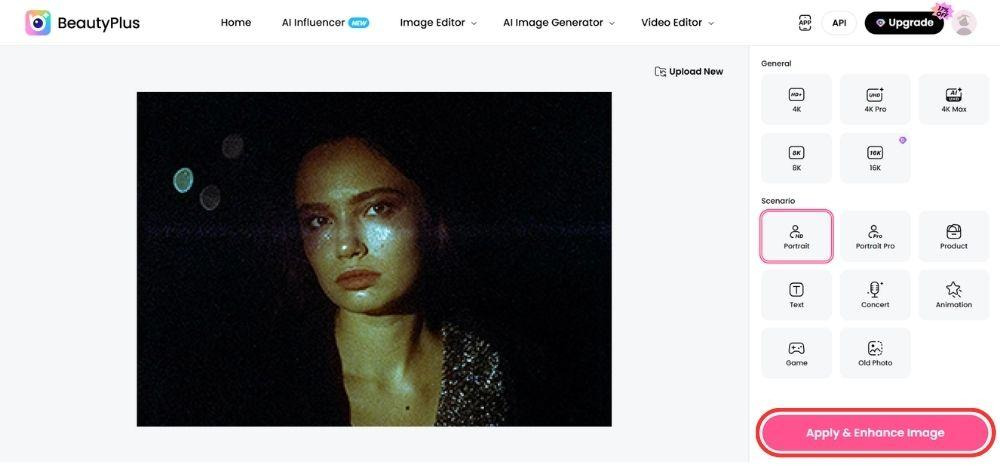
6. Once your images process and your enhanced image is ready, you can save it to your device by clicking the “Download Now” button.
Conclusion
Finding the best AI image enhancer may seem challenging, but many of the best AI enhancers allow free testing before asking you to sign up for a pro plan. BeautyPlus is one such tool that offers free testing for certain resolution tiers. This gives users the liberty to truly experience the degree of enhancement it can achieve. Plus, considering it offers 50 batch image enhancements and successfully repairs all in one go, sparing you a lot of time that you’re best off spending on something else. Head over to BeautyPlus AI Enhancer now to enhance or restore your images.
FAQs
Check whether it stays true to the original photo or invents detail, especially on faces. Batch support and speed matter if you’re processing more than one image. BeautyPlus handles both well, up to 50 images at a fast clip.
2. What is the best AI photo enhancer tool?
The top AI photo enhancers are the ones that deliver clean visuals by removing grain and noise while preserving the natural look of the photo. This matters because some enhancers distort faces in the process. BeautyPlus does a decent job maintaining fidelity while removing blur from images, and it also offers one of the highest batch enhancement limits out there, letting you process up to 50 images at a time.
let you test without an account, but few give real batch access for free. BeautyPlus stands out here, with a batch of 50 with no signup required to start.
3. Should I enhance a photo before or after editing?
In most cases, enhance the photo first to create a cleaner, higher-quality base for further edits. Then adjust the crop, exposure, colors, or add creative effects. However, if you need to remove unwanted objects or make major compositional changes, complete those edits before the final enhancement to avoid processing areas that will later be removed.
4. Which AI image resolution enhancer is best for beginners?
Tools with a simple upload-and-click flow work best for new users. BeautyPlus fits that: minimal setup, fast results, no editing skill needed.