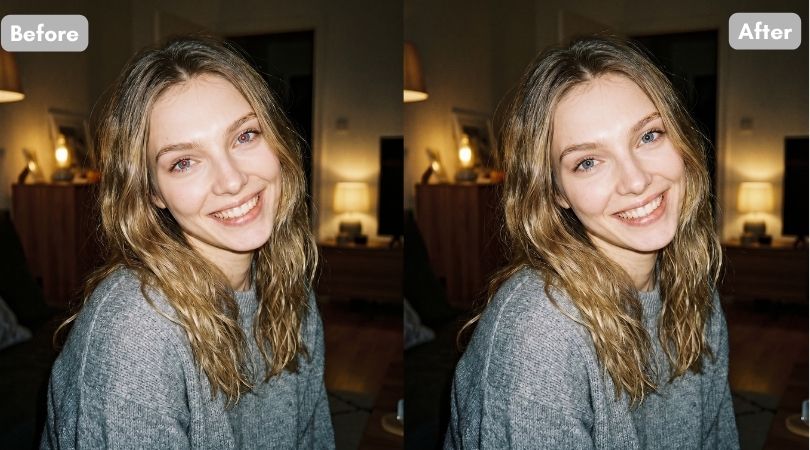
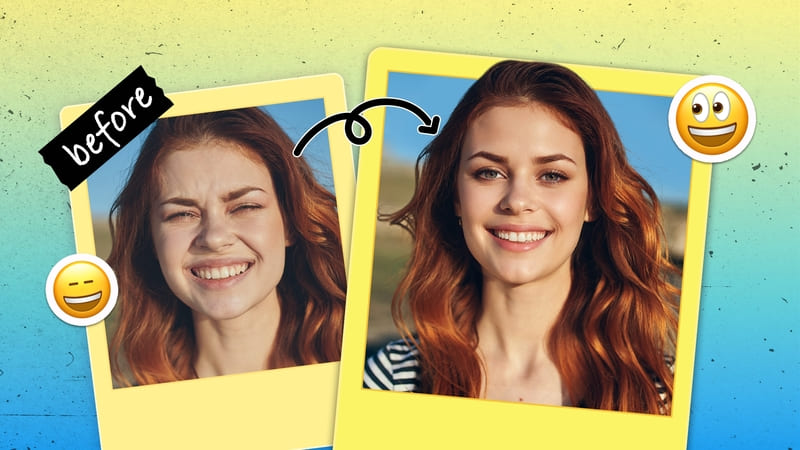
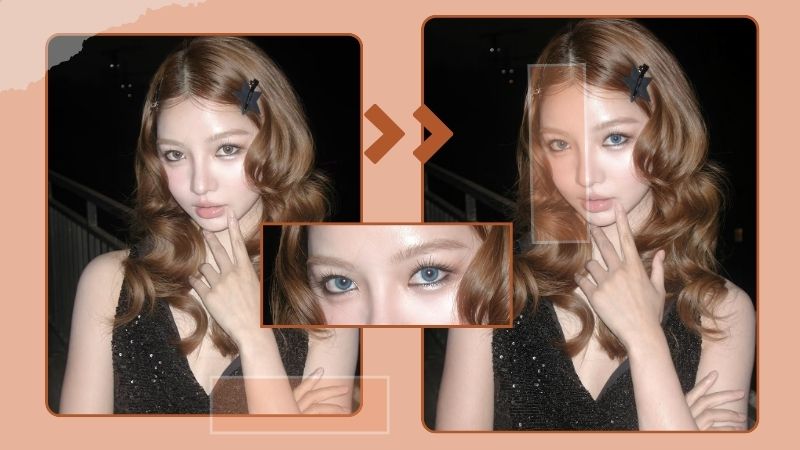
Which Eyebrow Shape Suits You? 5 Best Apps to Try Out Eyebrow Filter!
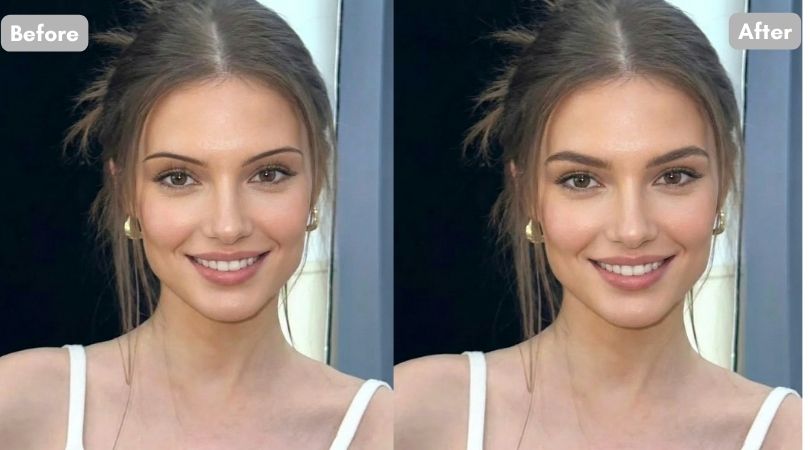
Key Takeaways
- BeautyPlus, TikTok, Evoto, PhotoDirector, and YouCam are considered some of the best eyebrow AI filter apps, offering easy editing features across different devices.
- The BeautyPlus eyebrow filter uses generative AI to apply eyebrows, making it one of the easiest tools to use while providing the most natural results.
- There are distinctive eyebrow shapes that suit every face shape.
Even slight changes in your face can change your overall appearance and make your personality well-defined. For example, the shape of your eyebrow can determine your whole look. Sharp eyebrows make you look strong while rounded eyebrows can present your personality as kind.
This not only depends upon the eyebrow shape but also on how well your the shape compliments your face. How to know this without actually shaping your eyebrows? You can try online editing apps with eyebrow filter.
Here are some recommendations for you! Also keep reading to know about the best eyebrow shapes for different faces.
5 Best Eyebrow Filter Apps
It must be amazing to have apps and tools to help you decide your eyebrow shape, right? You can rule out all your ambiguities and decide on the perfect look using eyebrow filters on those apps. But not all the apps may show you precise results! Here are some of the best apps you can try for accurate results.
1. BeautyPlus
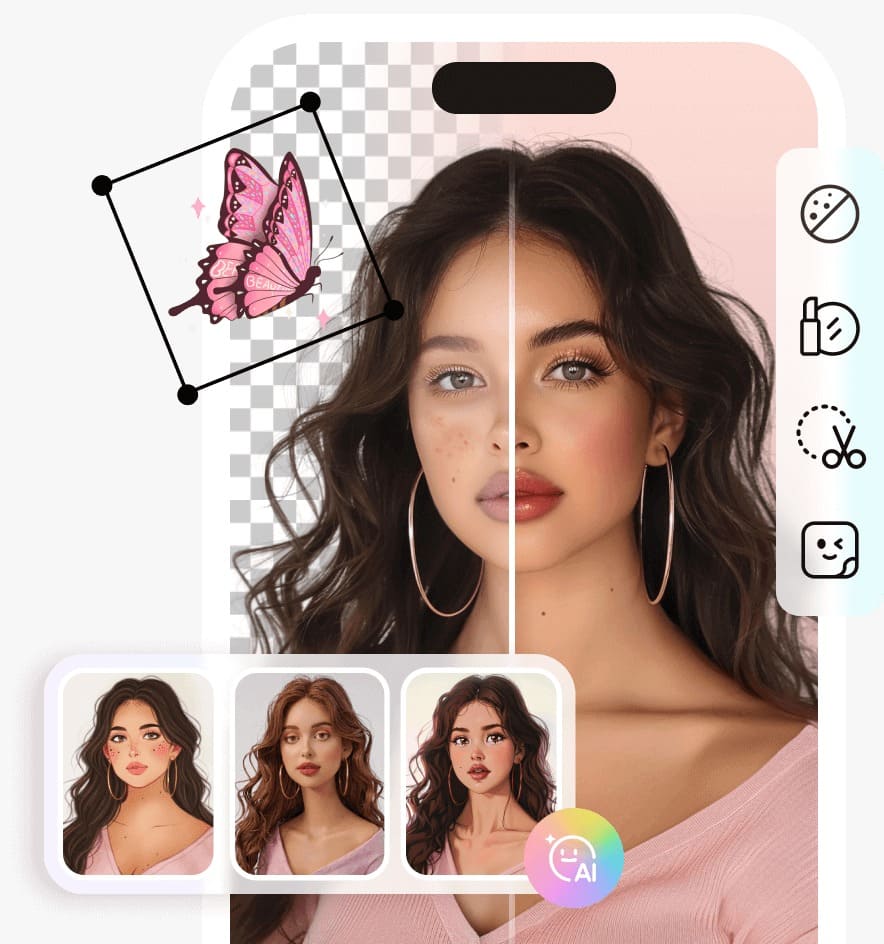
Beautyplus is a popular selfie cam and editing app that is available for worldwide users. It uses generative AI to precisely detect your face and provide you with the best results. The app is available for both iPhone and Android users. Even if you have a laptop, you can use the BeautyPlus online tool for editing purposes.
2. TikTok
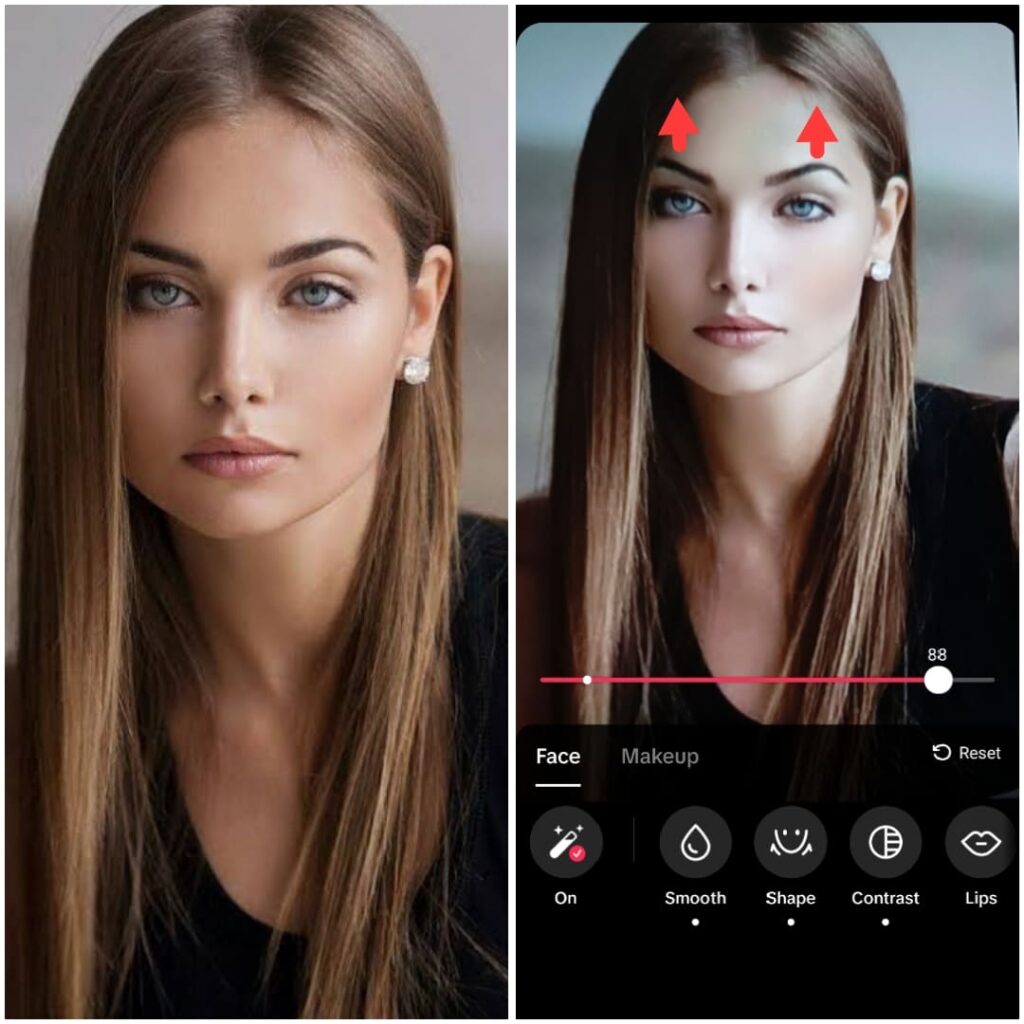
TikTok is a popular entertainment app. From educational to dancing, singing, and daily vlogs, you can find a wide range of content to keep yourself entertained. It not only allows users to watch and make videos but also offers different filters to enhance their looks. From makeup to facial features, you can edit everything using this platform.
3. Evoto
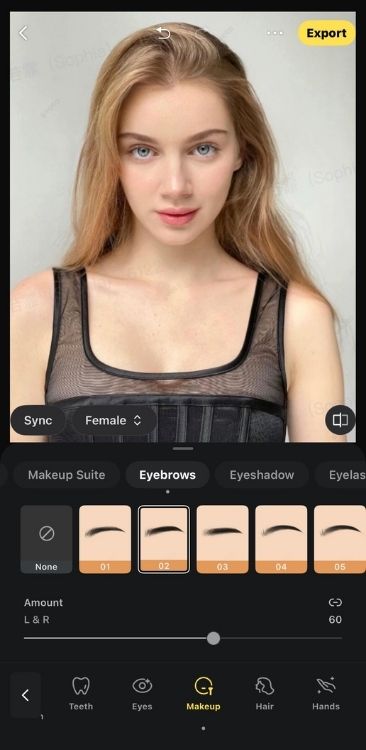
Evoto is an AI photo editor made for photographers and creators who want professional results without learning complicated curves. It uses smart facial recognition to fix and retouch photos automatically, making it a great computer tool for quick virtual makeovers and precise face editing.
4. PhotoDirector
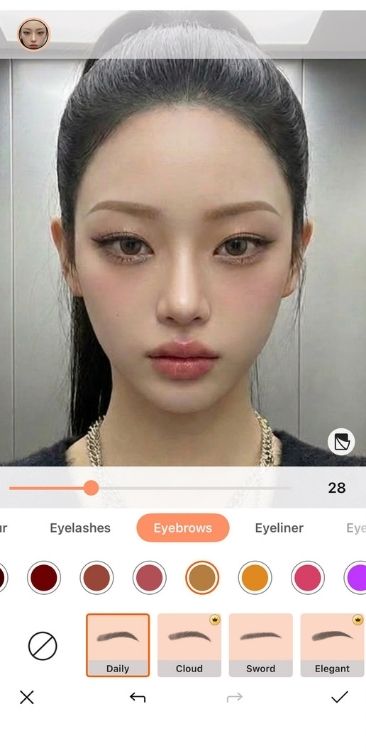
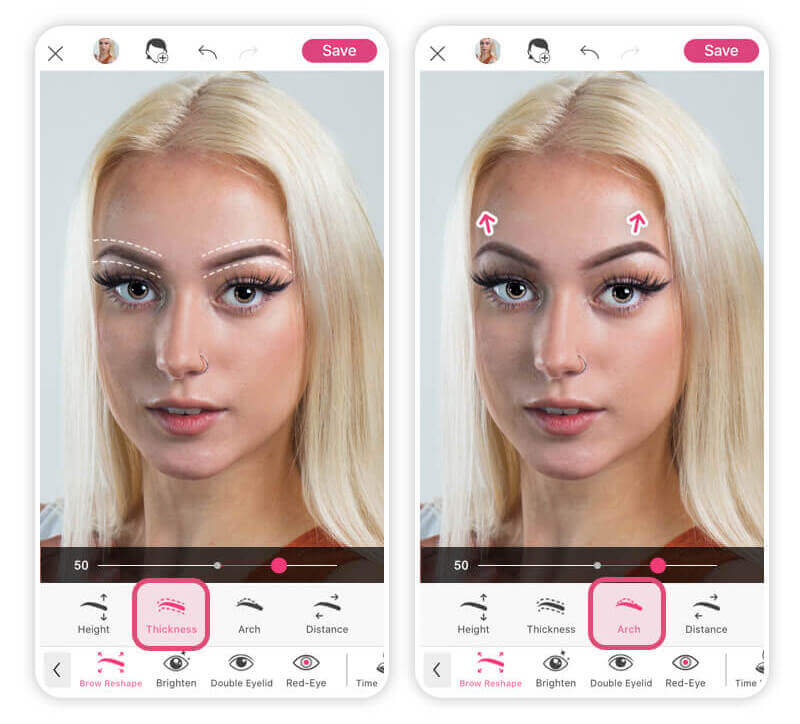
PhotoDirector comes with smart AI beauty tools that let you change your eyebrows in just a few taps. Inside the ‘Makeup’ features, you can easily adjust your brow arch, change the thickness, and move the position to see what looks best on you. The app also has a collection of different eyebrow styles and natural colors that automatically blend with your face.
5. YouCam Makeup
YouCam has a wide range of editing tools that can help turn your imagination into reality. These include YouCam Video, YouCam Enhance, YouCam Online Editor, and YouCam Makeup. Today we will discuss YouCam Makeup. It allows users to use both live photos or pictures from the gallery to edit them.
How to Try Eyebrow Filter with BeautyPlus
All the editing apps are similar but what makes BeautyPlus different is its user-friendly interface. Even if you have a group photo, it allows users to select a specific face to edit it. This feature is not present in most apps.
Here is how to use BeautyPlus to try eyebrow filters:
- Go to the BeautyPlus app
- Click on the ‘Start Editing’ option and choose the photo from your gallery that needs to be edited
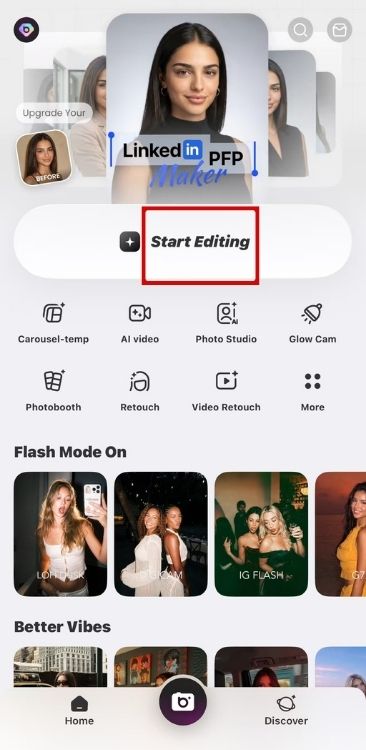
- The photo must be clear with your face looking straight ahead. Also, eyebrows must not be covered with your hair
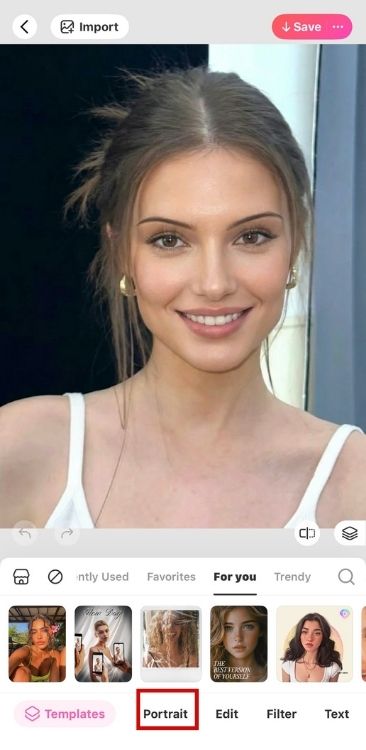
- After selecting the photo, go to ‘Portrait’
- Tap on ‘Makeup’ option
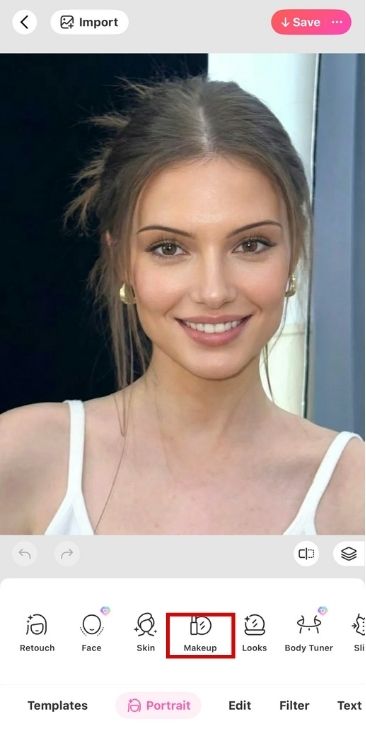
- You will see the ‘Eyebrow’ option at the fourth number. Tap on it
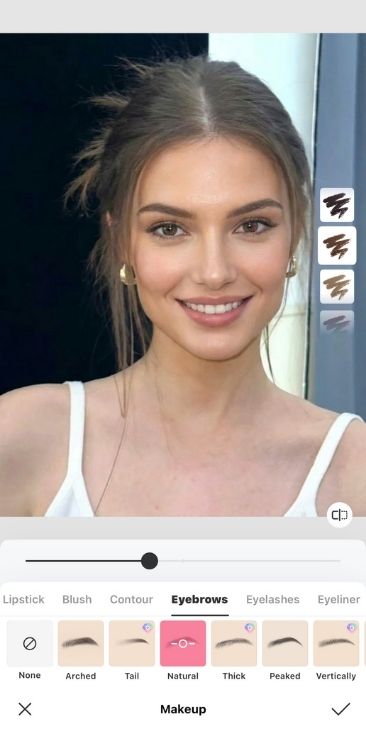
- Now, swipe from left to right to surf through different filters and decide the final shape of your eyebrows
Best Eyebrow for Different Face Shapes
The eyebrows that go well with the facial features of a person mostly depend upon their face shape. Each face shape has some specific eyebrow shapes that suit them. Let’s discuss some examples.
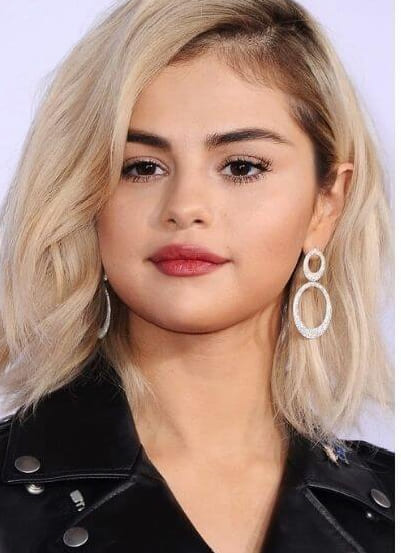
Round Face
A round face is one with equal length and width with no prominent angles. A person with such a face shape should go for arched or angled eyebrow shapes.
- A medium to medium-high arch gives your face a little lift and sharpen your features
- Similarly, an angled eyebrow shape adds length to your face giving it more dimensions
Square Face
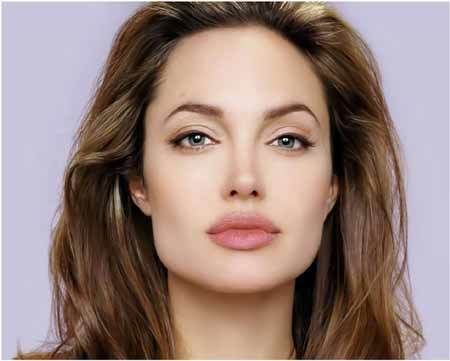
Square faces have angled jawlines making their face look sharp. So, one must go for a face shape that makes the facial features look balanced.
- Try out slightly angled brows with a lengthened tail that dives a depth to your face and evens out all the features perfectly
Oval Face
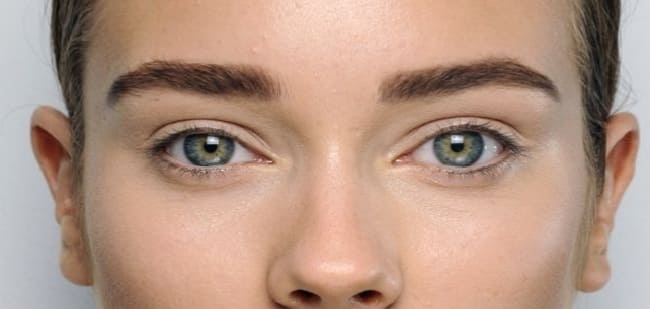
An oval face shape is wide from the forehead while narrow from the chin side. Since it gives your face an elongated appearance, you must go for a shape that makes your face look round.
- For this, you can go for soft-angled or flat brows. Horizontal flat brows add width to your face making it appear less elongated
Conclusion
Editing apps with eyebrow filters has made it easier for the community to choose the perfect eyebrow shape without actually going to a stylist. This saves time and money for consultations. Not only this, you can also save yourself from bigger disasters associated with eyebrow shaping.
You can use choose the final eyebrow look based on your face shape, your desired look, and natural brow shape. If you are a beginner, go for subtle adjustments only rather than a completely different shape so that you can get used to eyebrow shaping.